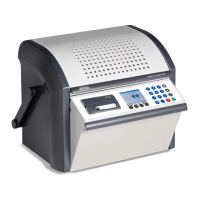
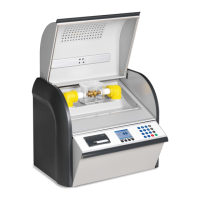
Product information DTA 100 C
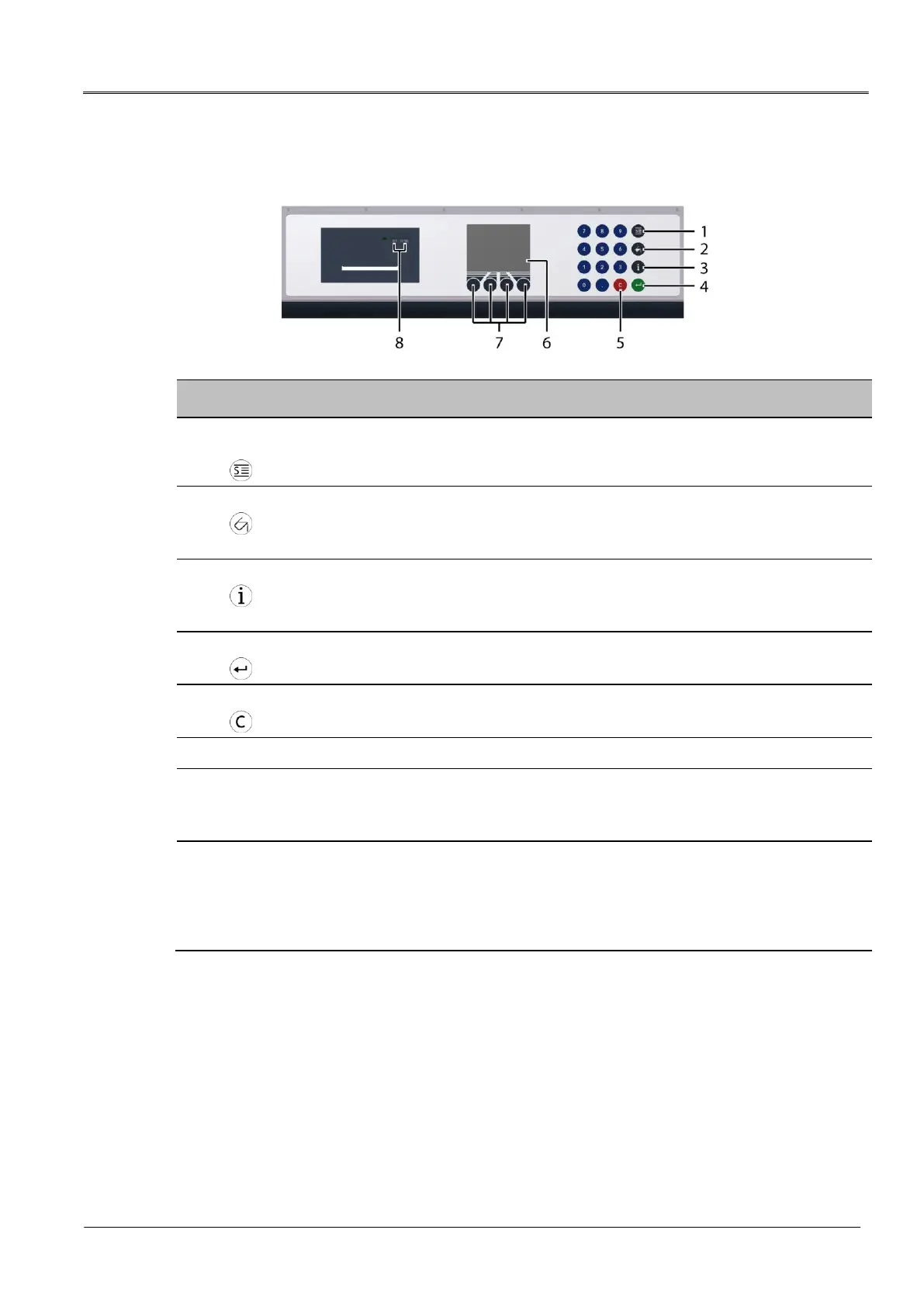
3.2 Operating and display elements
Standardised measurement
button
Opens the Standardised measurement menu
Further information: Chapter Standardised measurement (on page 44)
Opens the Measurement logs menu
Further information: Chapter Display of measurement results (on page
64)
Displays the device information.
Further information: Chapter Information on the oil breakdown voltage
tester (on page 24)
Used to confirm the input
Used to delete a character at the cursor position
Show the menu of the device
Used to navigate through the menu
Further information: Chapter Operating the oil breakdown voltage tester
(on page 21)
The paper feed button LF/SEL is used to feed in the printer paper
when the paper roll is replaced.
Further information: Chapter Replacing the printer paper roll (on
page 74)
The SET button is not assigned.


 To Next Page
 Loading...