EasyManua.ls Logo

BBK DV718SI - Page 47

BBK DV718SI
120 pages
Print Icon
To Next Page IconTo Next Page
To Previous Page IconTo Previous Page
Loading...
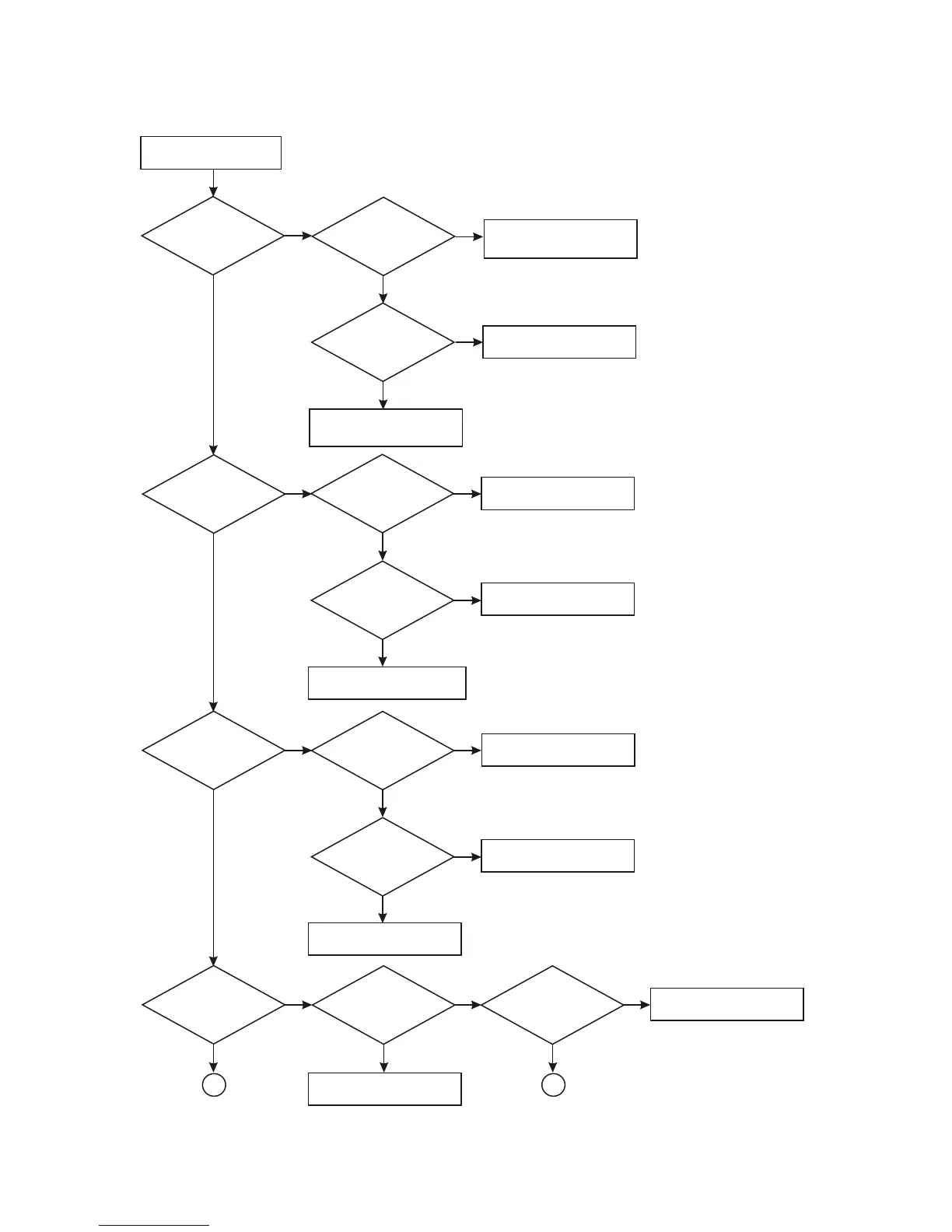
6. Troubleshooting process for “Not read disc” is shown in the figure 3.2.2.6:
Not read disc
Check
whether loader has
reset when no
disc in
Whether
pin 26 of AM5888S
has feed signal
input
Check whether disc in/feed to
proper position detect circuit
and MT1389 are normal
N
N
Y
Y
Check
whether pin 17/18
voltage of AM5888S
is normal
Check AM5888S
N
Y
Check line and elements
between AM5888S and feed
electric machine
Observe
whether object lens
has up/down focus
action
N
Whether
pin 1 of AM5888S
has focus signal
input
N
Check Mt1389 and R204,
C213 are normal
Y
Check
whether pin 13, 14
voltage of AM5888S is
normal
Y
Check whether pin 1, 2 voltage
of XS301 is normal
N
Change AM5888S
Whether
main axis electric
machine rotates
N
Whether
pin 4 of AM5888S
has signal input
N
Check whetherMT1389 and
R201, C210 are normal
Y
Check
whether pin 11, 12
voltage of AM5888S is
normal
Y
Check electric machine
N
Check AM5888S
Y
Whether
laser head emits light
N
Check
whether APC
circuit supplies voltage
for laser head
N
Check whether MT1389 and
R201, C210 are normal
Y
Y
Check
whether LDO_DV33 is
normal
N
Change loader
Y
A1
Y
A2
- 43 -

Table of Contents

Related product manuals