Configuring the Event Adapter for SAP
BEA WebLogic Adapter for SAP User’s Guide 5-25
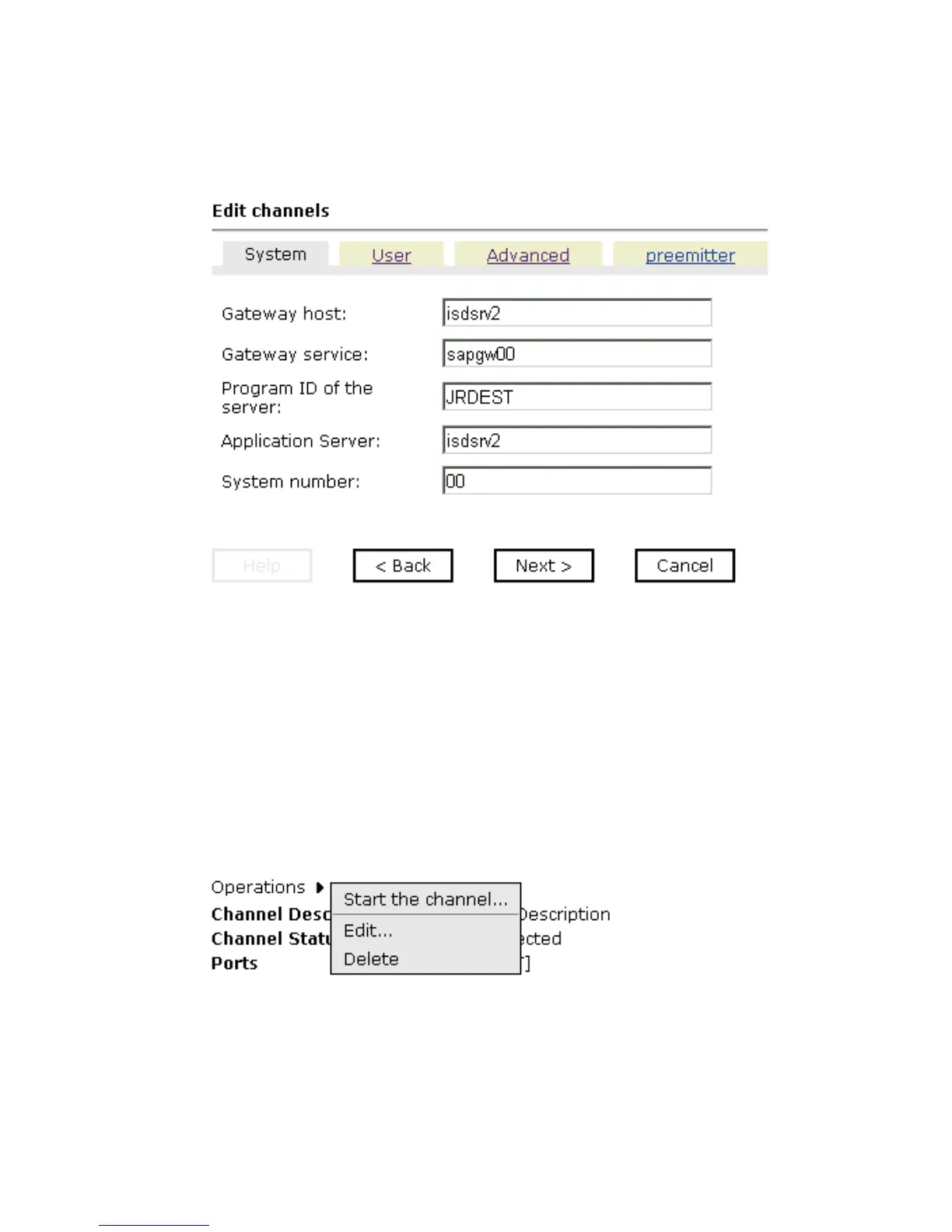
The Edit channels pane opens on the right as shown in the following image, with the
User tab active.
3. Make the required changes to the channel configuration fields.
4. To continue editing information on the other tabs, click Next.
5. When you complete your edits, click Finish.
Procedure: How to Delete a Channel
To delete an existing channel:
1. In the left pane, select the channel you want to delete.
The Operations menu opens in the right pane over the summary of the channel
information, as shown in the following image.
2. Move the pointer over Operations and select Delete.
A confirmation dialog box opens asking if you want to delete this item.



 To Next Page