Creating, Editing, or Deleting a Channel
5-24 BEA Systems, Inc.
The channel you created is now active, and the ‘X’ disappears, as shown in the
following image.
10. To stop the channel at any time, move the pointer over Operations and select Stop the
channel.
Procedure: How to Edit a Channel
To edit an existing channel:
1. In the left pane, select the channel you want to edit.
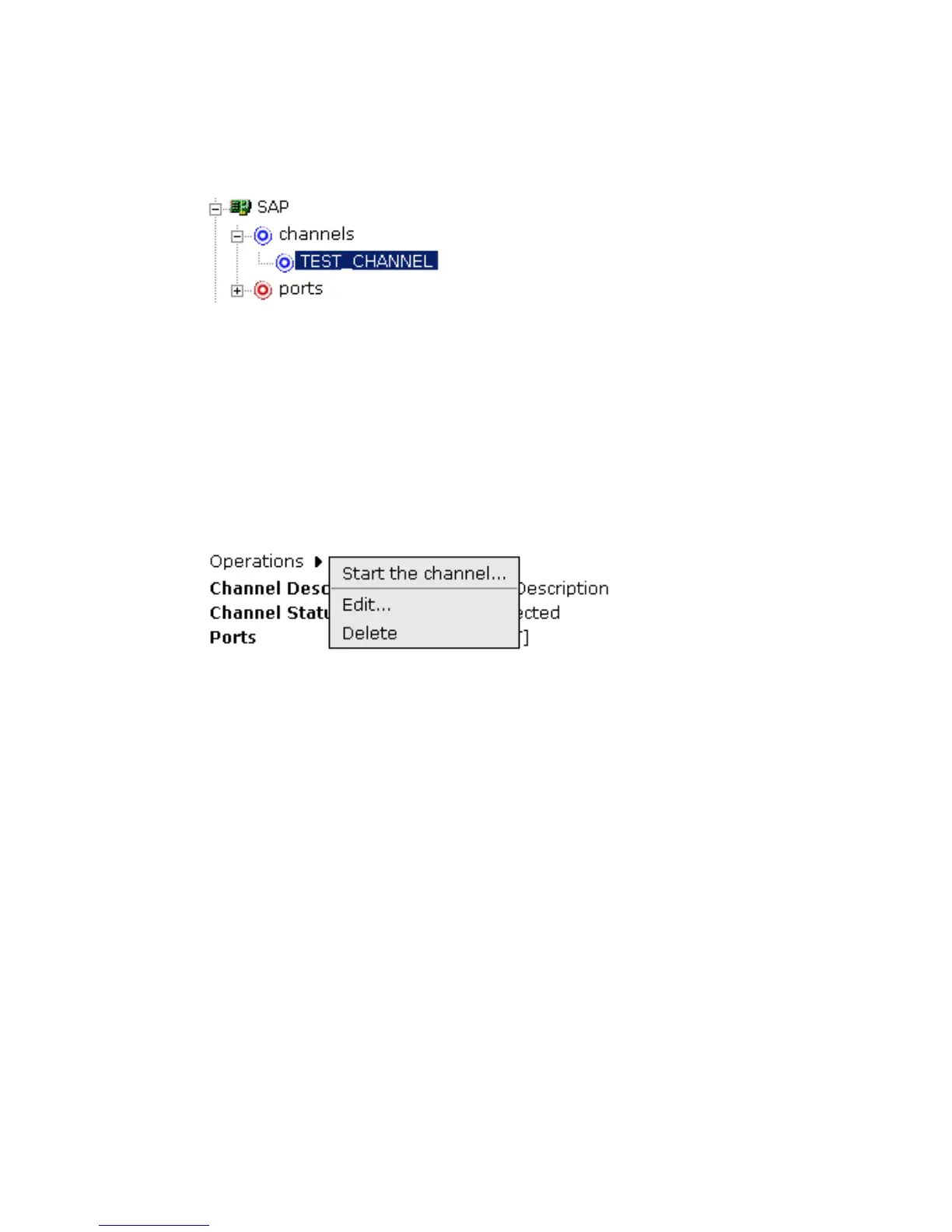
The Operations menu opens in the right pane over the summary of the channel
information, as shown in the following image.
2. Move the pointer over Operations and select Edit.



 To Next Page