Configuring Integration Business Services Policy-Based Security
6-4 BEA Systems, Inc.
2. In the right pane, move the pointer over Operations and select Add.
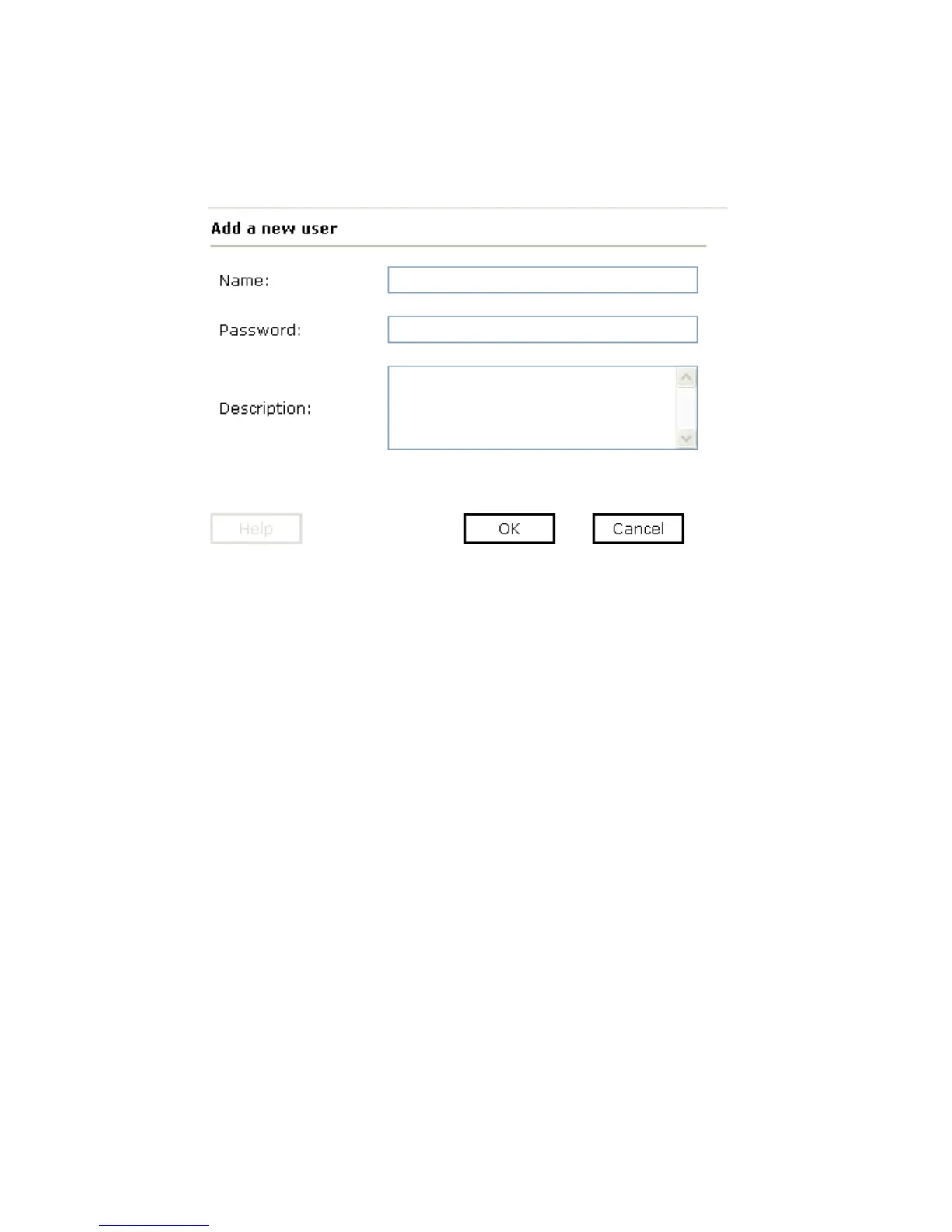
The Add a new user pane opens as shown in the following image.
a. In the Name field, type a user ID.
b. In the Password field, type the password associated with the user ID.
c. In the Description field, type a description of the user (optional).



 To Next Page