Using Integration Business Services Policy-Based Security
BEA WebLogic Adapter for SAP User’s Guide 6-5
3. Click OK.
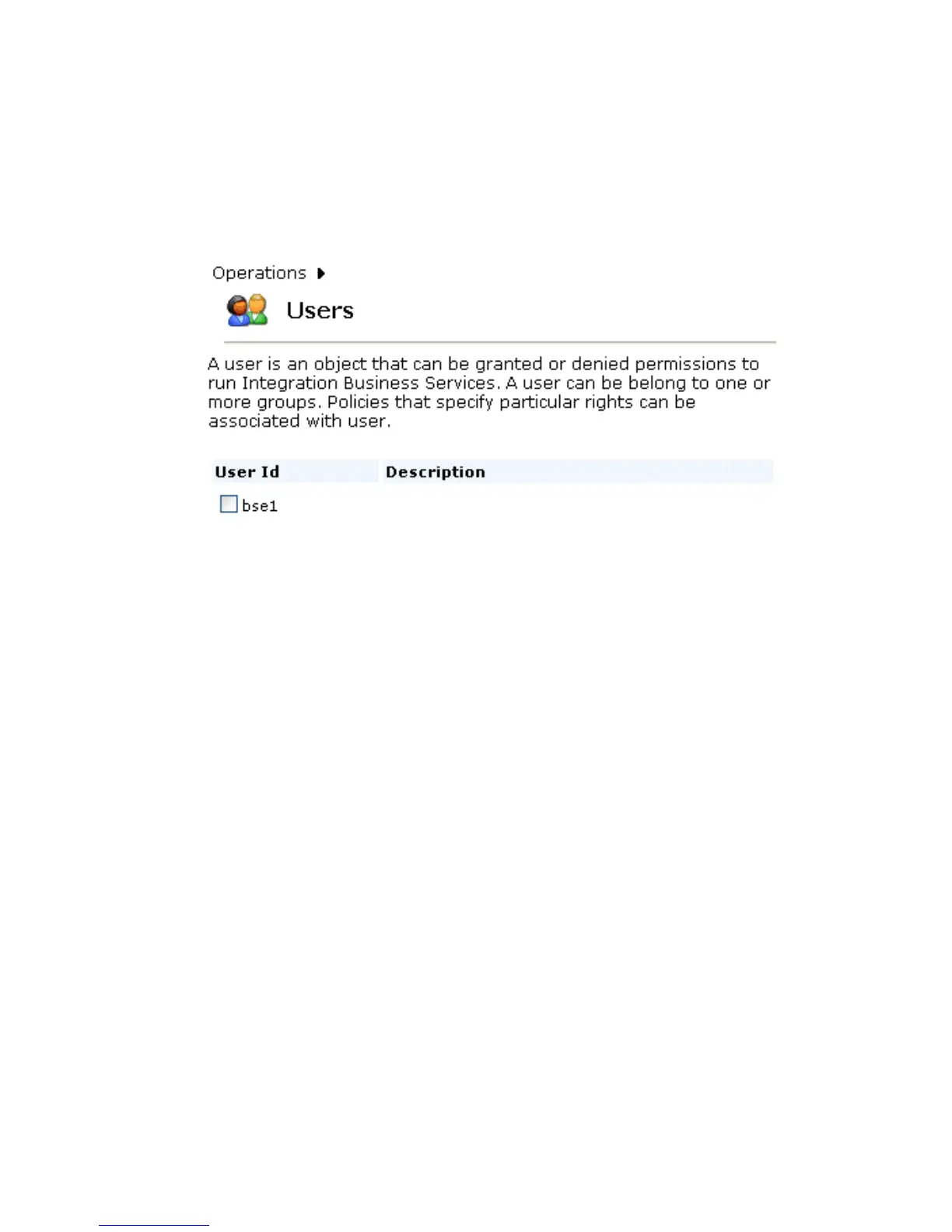
The Users pane opens, which includes the definition of a user and a user ID and
description, identifying that a new user was added to the configuration, as shown in
the following image.
Procedure: How to Create a Group to Associate With a Policy
To create a group to associate with a policy:
1. Open Servlet Application Explorer.
a. Click the Integration Business Services tab.
b. Expand the Configuration node.
c. Expand the Security node.
d. Expand the Users and Groups node.
e. Select Groups.



 To Next Page