Configuring Integration Business Services Policy-Based Security
6-6 BEA Systems, Inc.
2. In the right pane, move the pointer over Operations and click Add.
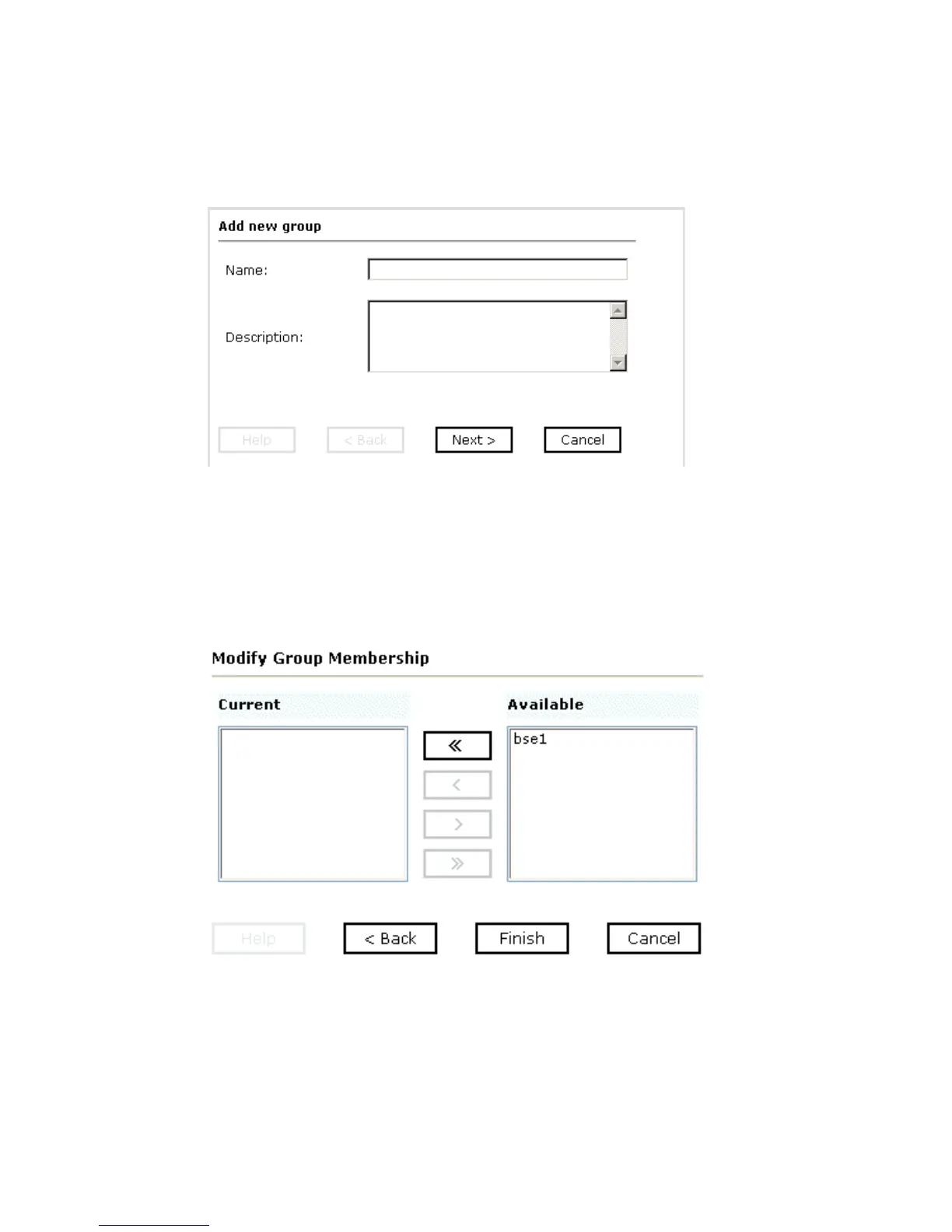
The Add new group pane opens, as shown in the following image.
a. In the Name field, type a a name for the group.
b. In the Description field, type a description for the group (optional).
3. Click Next.
The Modify Group Membership pane opens where you can move users between the
Current and Available lists, as shown in the following image.
4. Either highlight a single user in the list of available users and add it to the current list by
clicking the left arrow, or click the double left arrow to add all users in the list of
available users to the group.



 To Next Page