Using Integration Business Services Policy-Based Security
BEA WebLogic Adapter for SAP User’s Guide 6-7
5. After you select a minimum of one user, click Finish.
The new group is added.
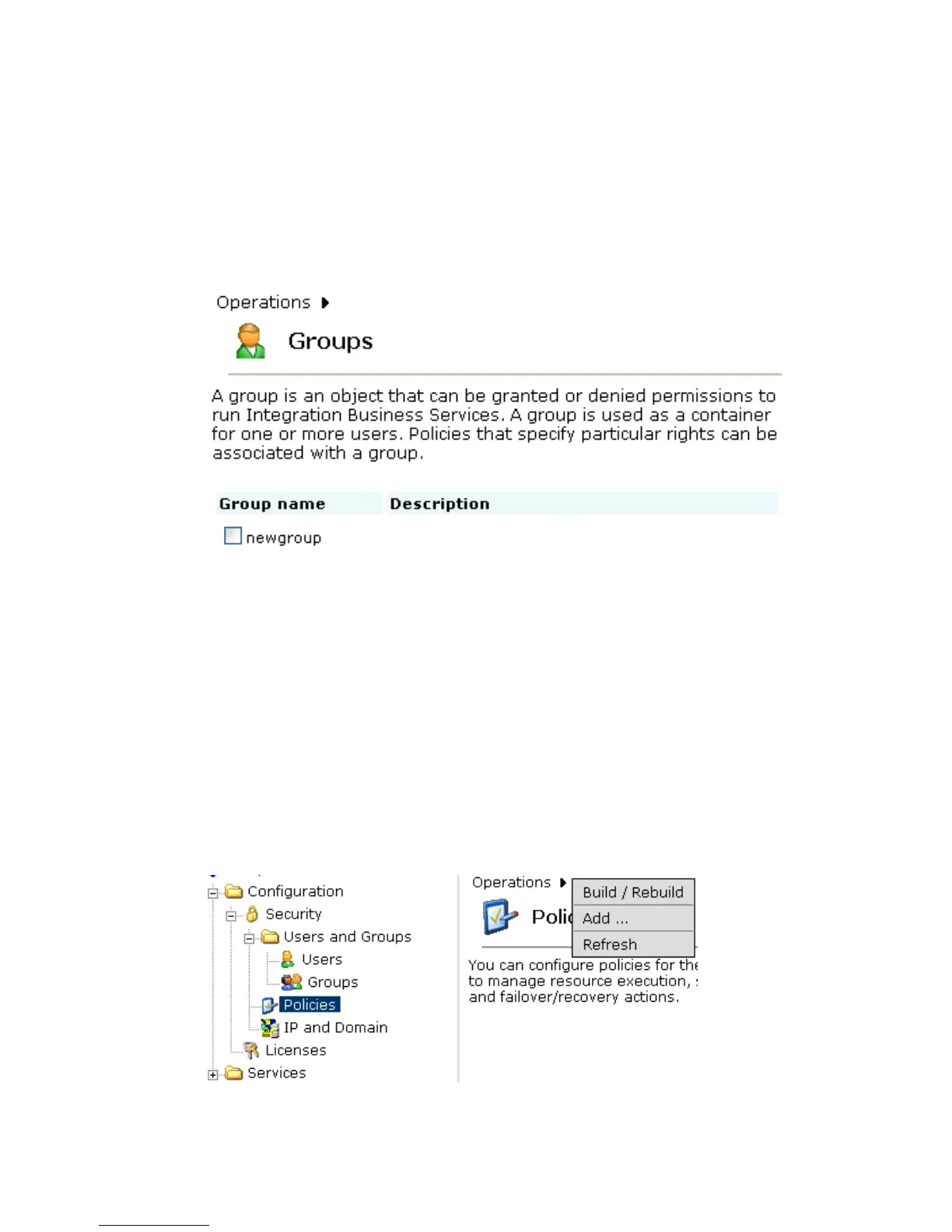
The Groups pane opens, which includes a definition of a group and the group name
and description, identifying that a new group was added to the configuration, as
shown in the following image.
Procedure: How to Create an Execution Policy
To create an execution policy:
1. Open Servlet Application Explorer.
a. Click the Integration Business Services tab.
b. Expand the Configuration node.
c. Select Policies.
The Policies pane opens on the right where you can apply a policy as shown in the
following image. The Operations menu displays three options, Build/Rebuild, Add, and
Refresh.



 To Next Page