Configuring Integration Business Services Policy-Based Security
6-8 BEA Systems, Inc.
2. Move the pointer over Operations and select Add.
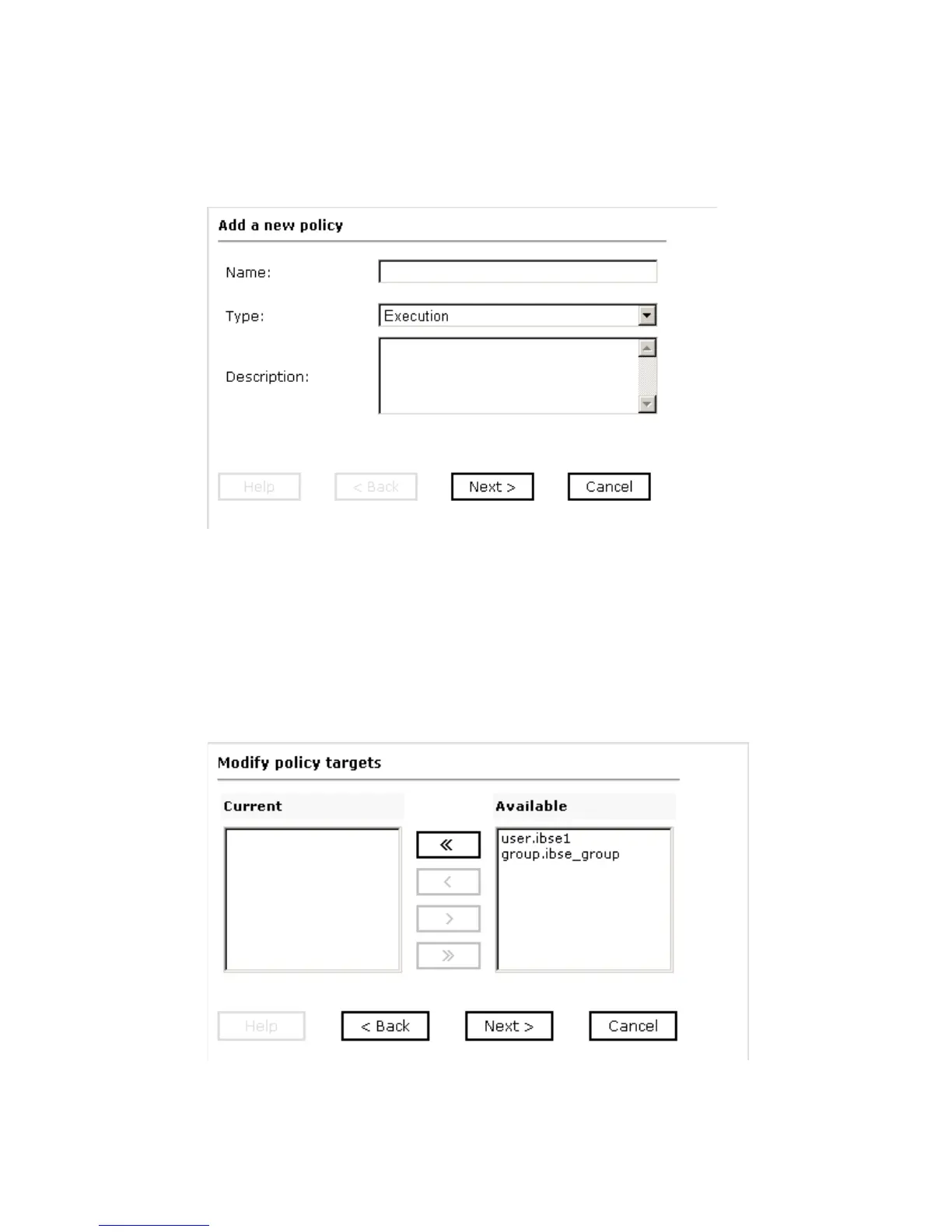
The Add a new policy pane opens as shown in the following image.
a. In the Name field, type a name for the policy.
b. From the Type drop-down list, select Execution.
c. In the Description field, type a description for the policy (optional).
3. Click Next.
The Modify policy targets pane opens where you can move targets between the
Current and Available lists, as shown in the following image.



 To Next Page