Using Integration Business Services Policy-Based Security
BEA WebLogic Adapter for SAP User’s Guide 6-9
4. Select a minimum of one user or group from the Available pane.
Note: This user ID is checked against the value in the user ID element of the SOAP
header sent to iBSE in a SOAP request.
5. Click Next.
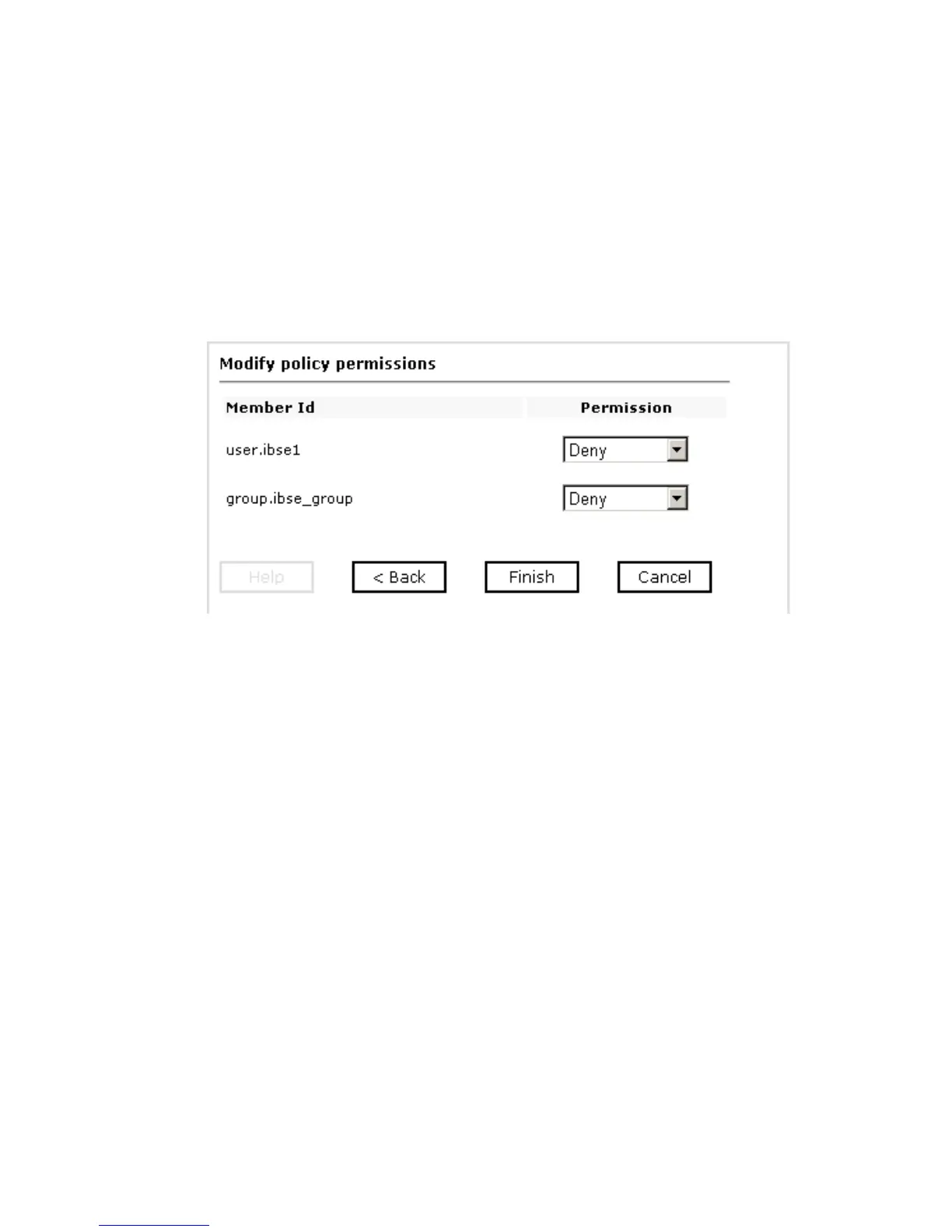
The following image shows the Modify policy permissions pane that opens and
includes drop-down lists where you can select to grant or deny permission to
members.
6. To assign whether users or groups may execute the Integration Business Services,
select Grant to permit execution or Deny to restrict execution from a Permission
drop-down list.



 To Next Page