Configuring Integration Business Services Policy-Based Security
6-10 BEA Systems, Inc.
7. Click Finish.
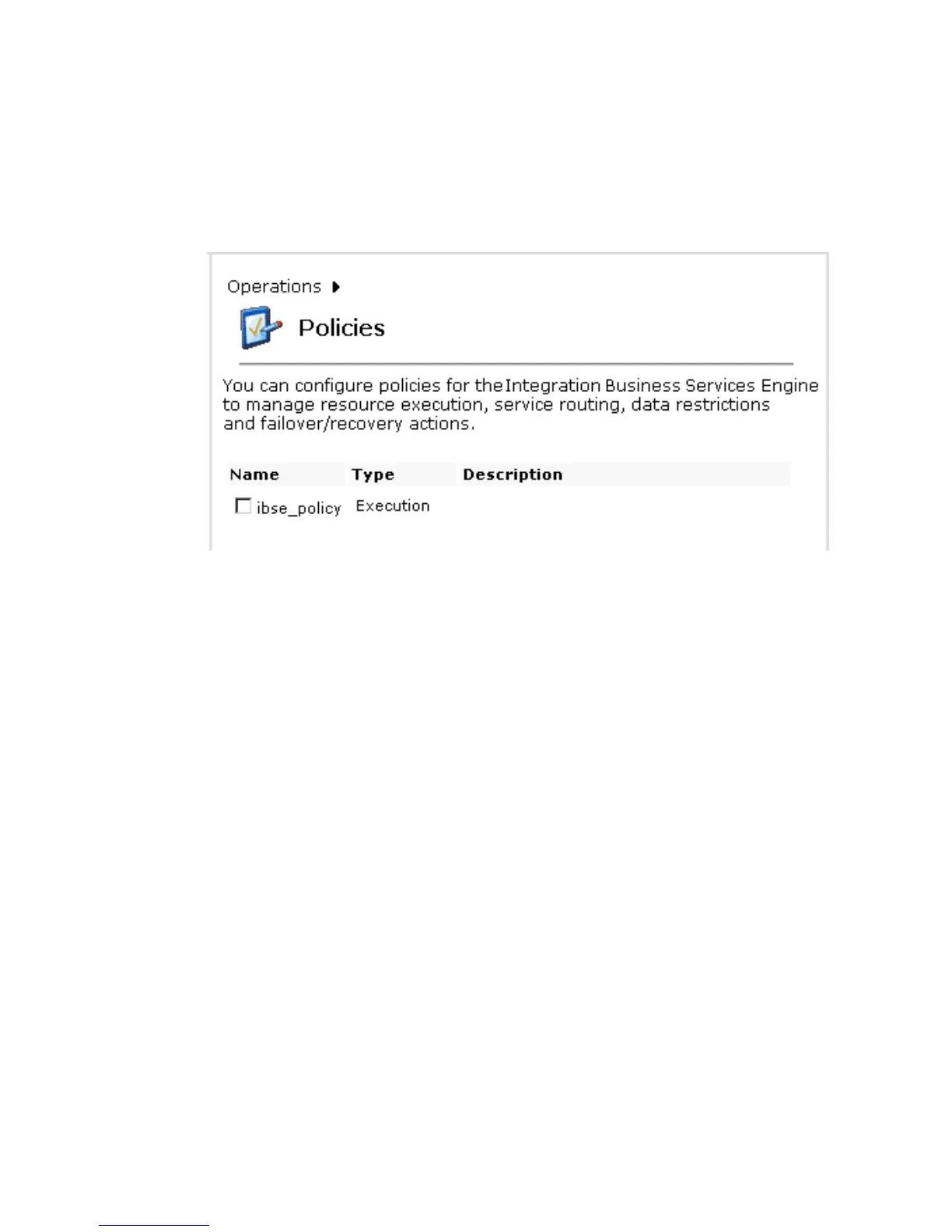
A Policies pane opens that summarizes your configuration and includes a definition of
policies and the name, type, and description of the policies, as shown in the following
image.
Procedure: How to Configure IP and Domain Restrictions
To configure IP and domain restrictions:
1. Open Servlet Application Explorer.
a. Select the Integration Business Services tab.
b. Expand the Configuration node.
c. Expand the Security node.
d. Select IP and Domain.



 To Next Page