Managing and Monitoring Services and Events Using iBSE
7-10 BEA Systems, Inc.
6. For additional information about a successful service and its method, select a service
based on its correlation ID from the Successful Invocation drop-down list.
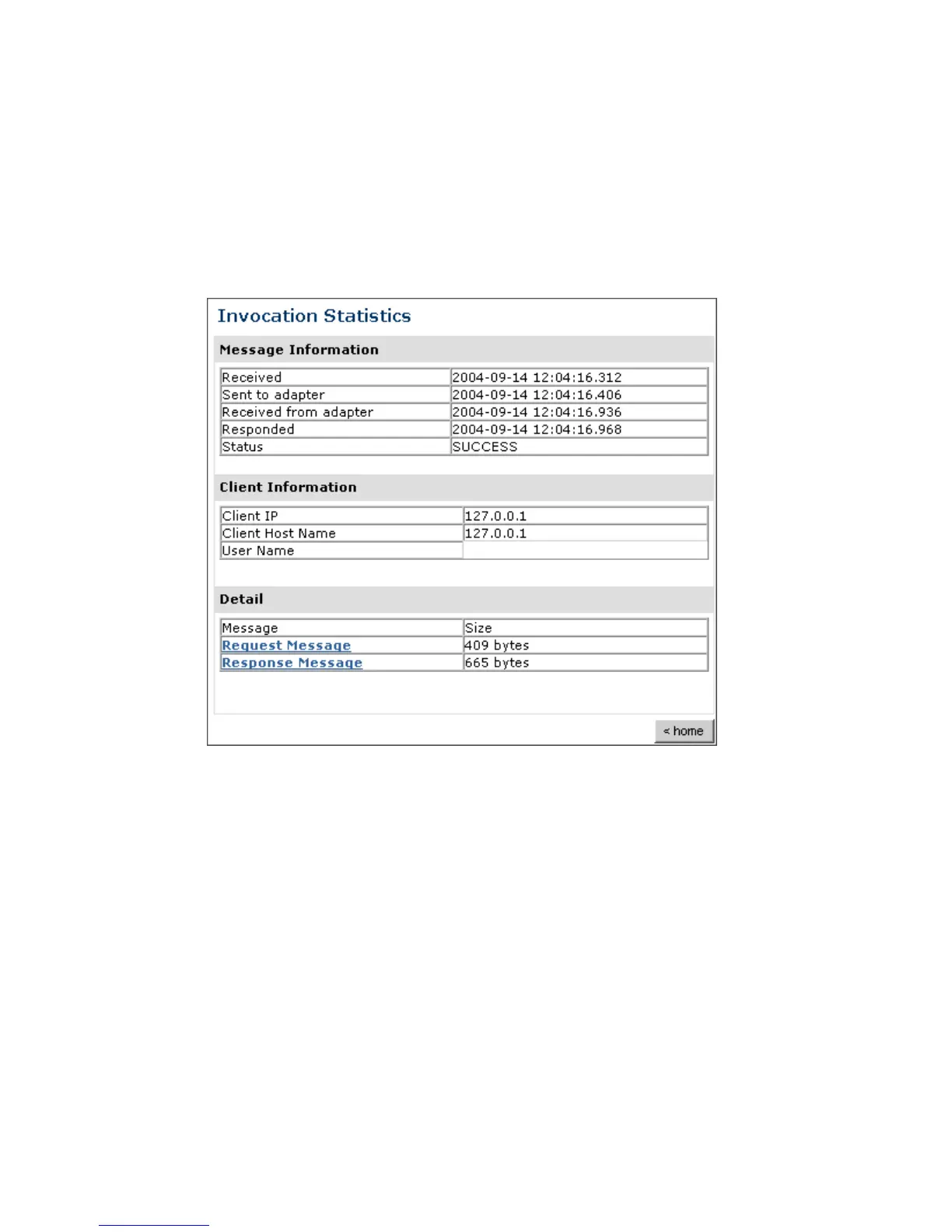
The Invocation Level Statistics window opens as shown in the following image. The
Message Information pane contains a table of information about the message. The
Client Information pane contains a table of information about the client. The Detail
pane contains a table that shows the size of the request and response messages.
7. To view the XML request document in your Web browser, click Request Message.
You can also view the XML response document for the service.
8. To return to the iBSE Monitoring Settings window, click home.



 To Next Page