Management and Monitoring
BEA WebLogic Adapter for SAP User’s Guide 7-19
3. Click Event adapters.
The Event Adapters pane opens.
4. Select the event adapter to monitor.
5. Click the desired channel for your event adapter.
6. Click start.
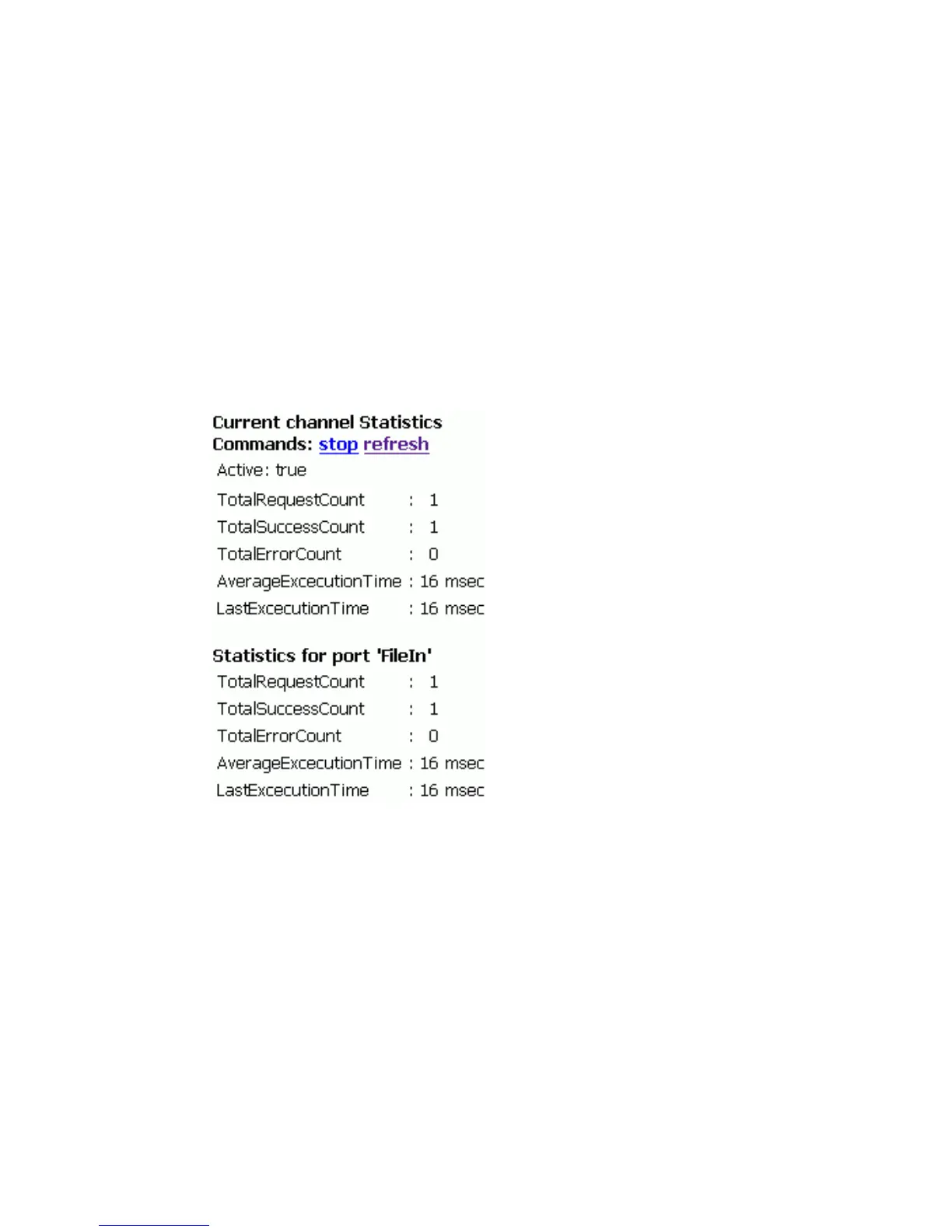
The following image shows the updated statistics for your channel and the port. The
statistics include the total number of requests, successes, and errors and the average
and last execution time in milliseconds. The upper right of the pane contains options to
start or refresh the channel.



 To Next Page