Understanding SAP Events
BEA WebLogic Adapter for SAP User’s Guide 8-11
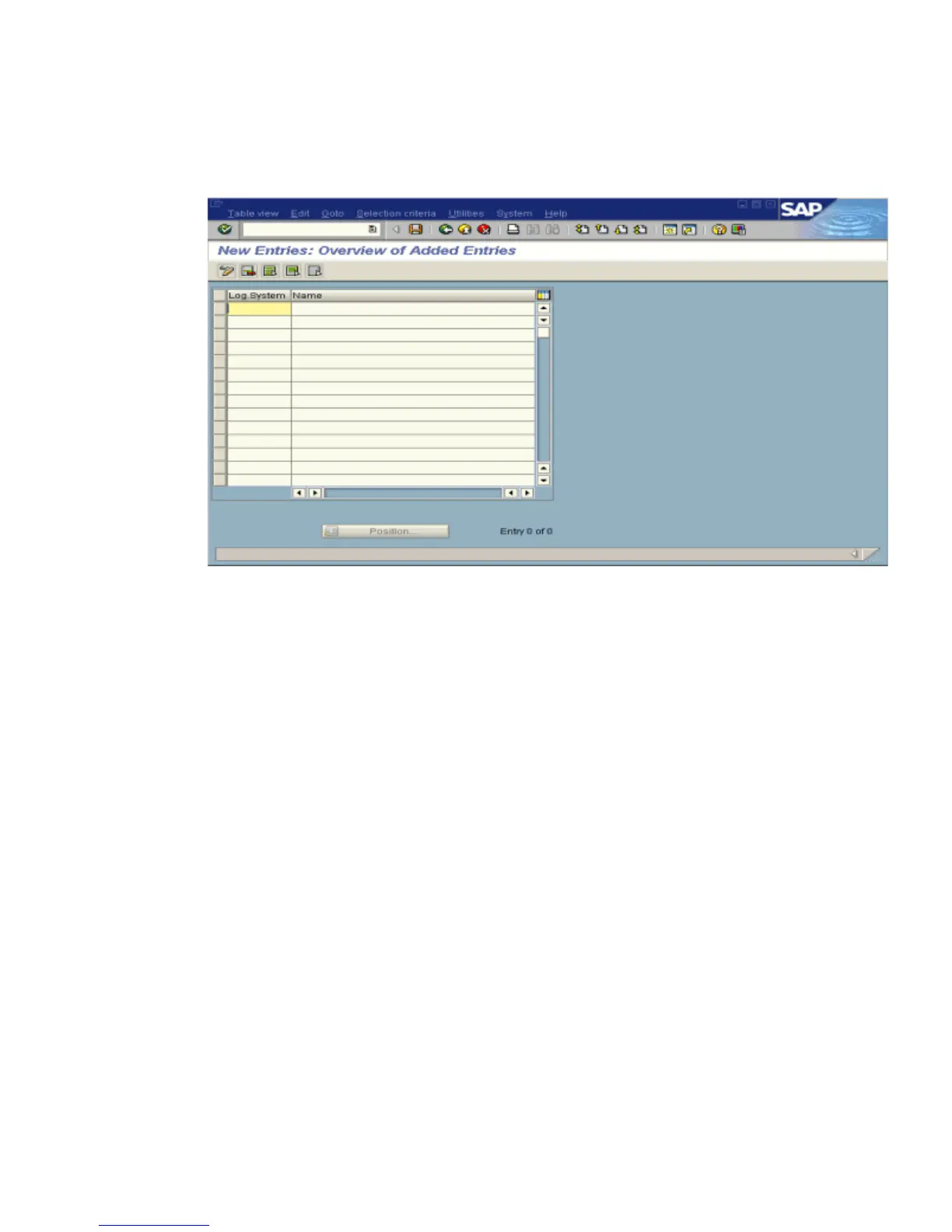
The New Entries: Overview of Added Entries window opens, as shown in the following
image, with columns labelled Log.System and Name for adding new log systems.
a. Type an entry for Log System, for example, IWAYLOG.
b. In the Name column, type a name (description) for the partner profile.
6. Save the session.
Procedure: How to Create a Partner Profile
To create a partner profile:
1. In the SAP Workbench, choose Tools, Business Communication, IDoc Basis, IDoc, and then
Partner profile or execute the WE20 transaction.



 To Next Page