Connecting to SAP
A-8 BEA Systems, Inc.
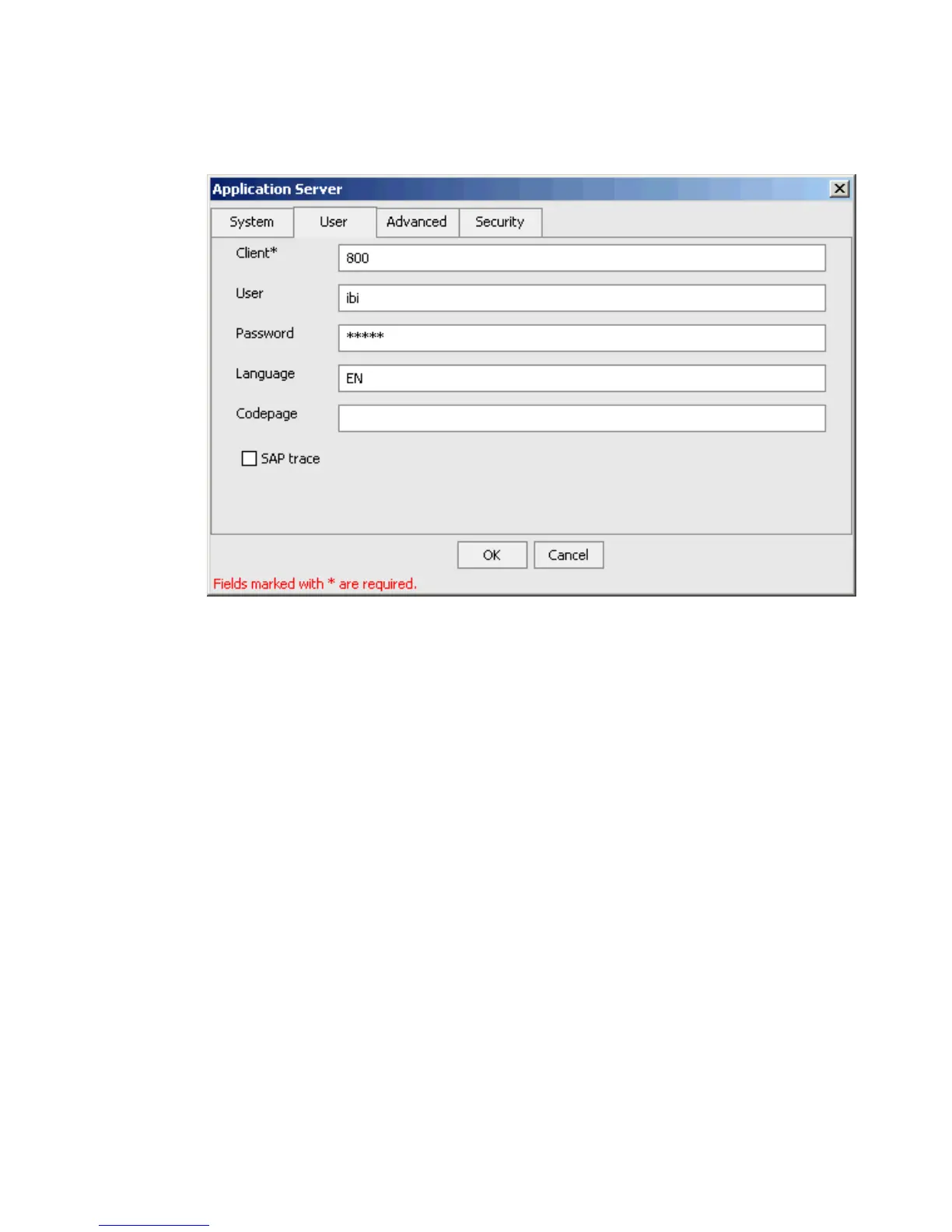
The User tab becomes active.
a. In the Client field, type the client number defined for the SAP application for client
communications (required).
b. In the User field, type a valid user ID for the SAP application.
c. In the Password field, type a valid password for the SAP application.
d. In the Language field, type a language key.
EN (English) is the default value.
e. In the Codepage field, type a character code page value.
f. To enable traces, select the SAP trace check box.
After you provide information for the System and User tabs, you have completed the
SAP target configuration. However, you can specify additional parameters in the
Advanced and Security tabs.
7. Click OK.



 To Next Page