Viewing an Application System Object and Creating an XML Schema
A-16 BEA Systems, Inc.
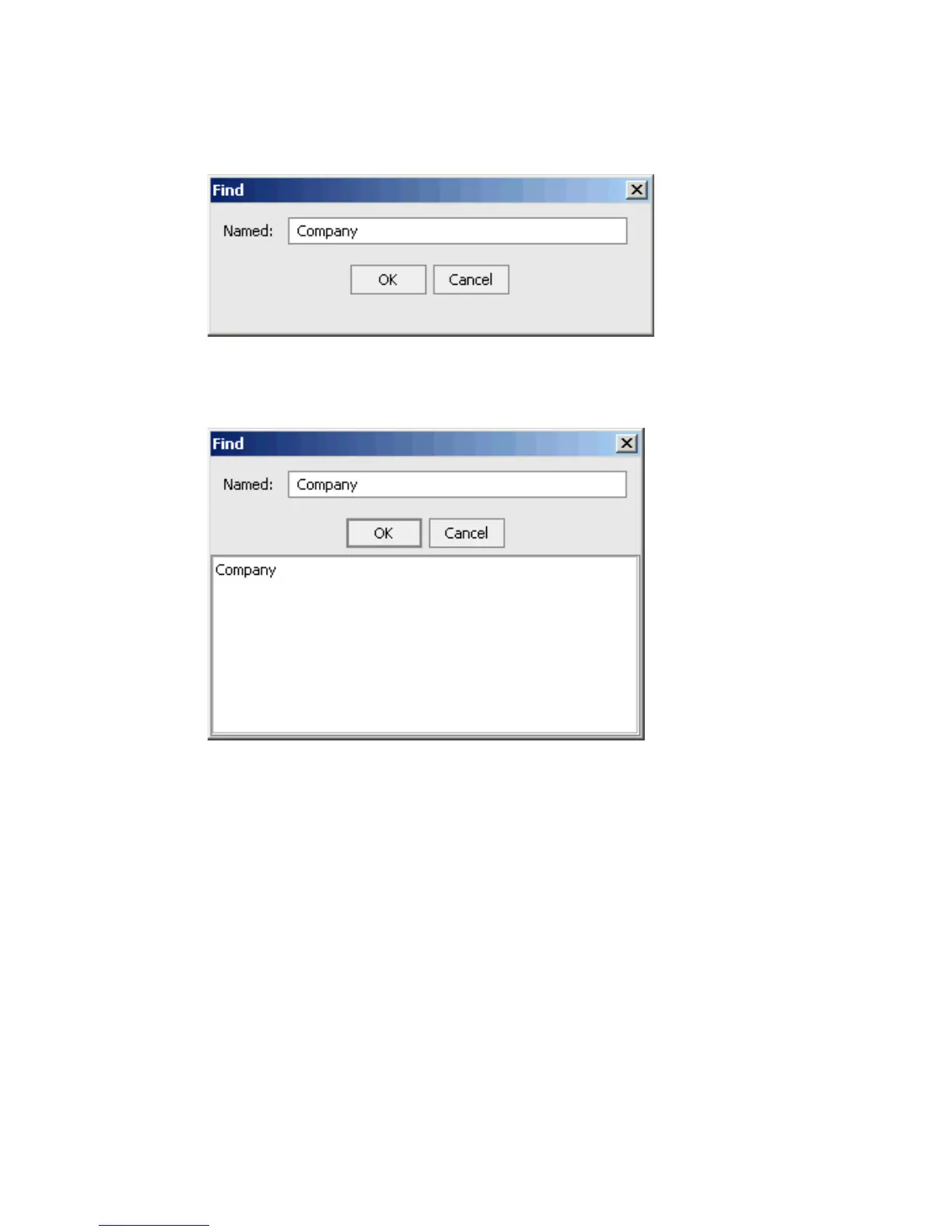
The Find dialog box opens.
2. Type the group name you are searching for and click OK.
If a match is found, the Find dialog box expands to display the results.
If no matches are found, a message appears that indicates that no matches exist.
3. To automatically expand the group and view all the methods that are available in the
left pane of Application Explorer, click the group name in the list of results.
Reference Schema Location
After you browse the application system business object repository and select a specific
method, the relevant XML schemas automatically are created for that method and stored in
the repository you created, for example:
drive:\Program Files\iWay55\bea\ibse\wsdl\schemas\service\SAP
\SAPTarget\S5710F9F
where
SAPTarget
Is the name of the SAP target.



 To Next Page