Using Application Explorer in BEA WebLogic Workshop to Create XML Schemas and Web Services
BEA WebLogic Adapter for SAP User’s Guide A-15
To view the following XML schemas for the method, click the corresponding tab in the
right pane.
•Request
•Response
•Reply
•Event
Procedure How to View Additional Information for a Group or System Object in SAP
To view additional information for a particular group or object in SAP:
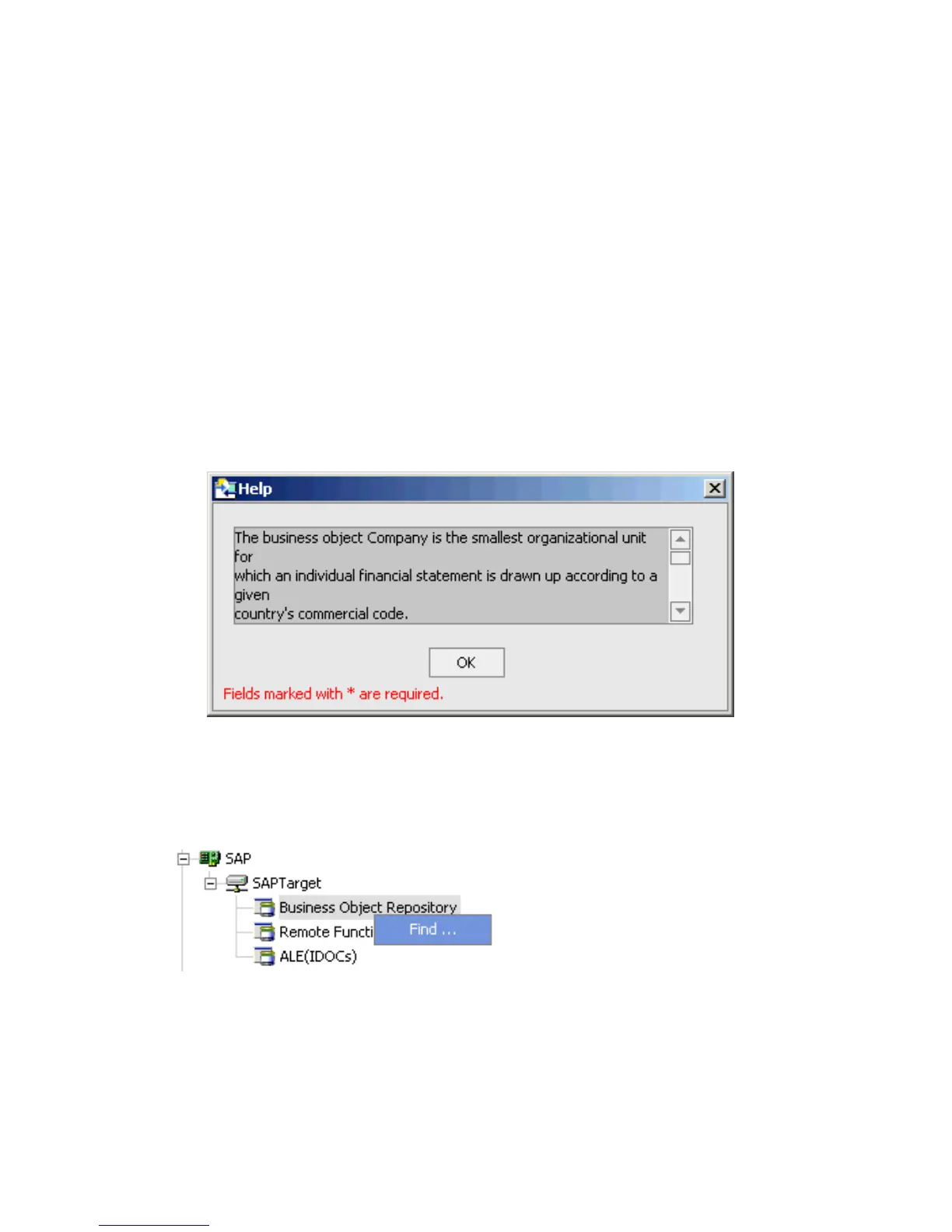
1. Right-click a component, for example, Company, and select Help.
The Help window opens.
2. After you finish viewing the information, click OK.
Procedure How to Search for a System Object in SAP
To narrow your search for a system object in SAP:
1. Right-click the system object category, for example, Business Object Repository and
click Find.



 To Next Page