Creating an Integration Business Service
A-20 BEA Systems, Inc.
4. Click OK.
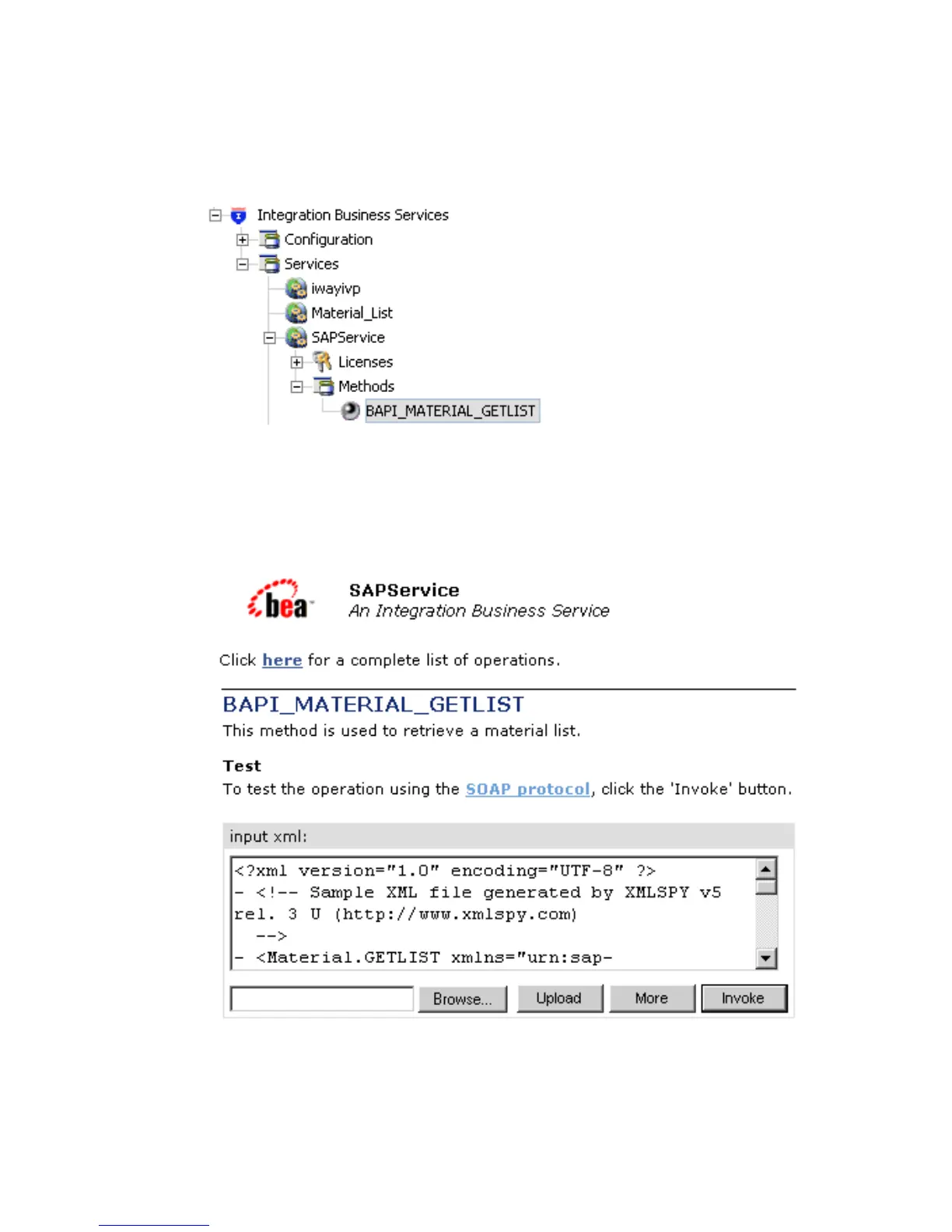
The business service and method appear below the Integration Business Services node.
In the left pane, all the available business services that were created appear. The
SAPService node is expanded, and the BAPI_MATERIAL_GETLIST method automatically
is selected.
On the right, the test pane for the BAPI_MATERIAL_GETLIST method opens.
5. To invoke the service, enter a sample XML document in the input xml field.



 To Next Page