Defining a Partner Profile
2-10 BEA Systems, Inc.
Procedure: How to Define a Partner Profile
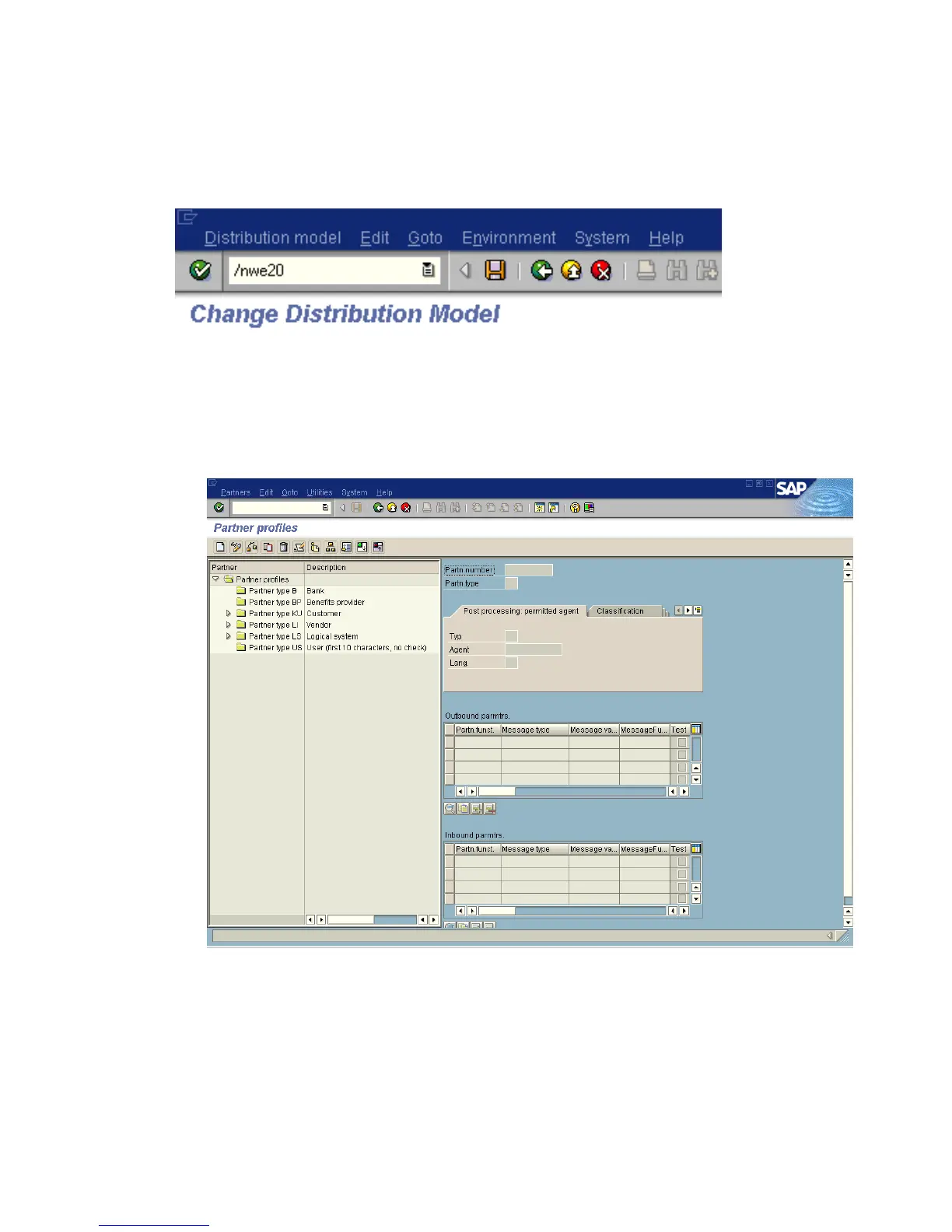
The following image shows the /nwe20 transaction in the field under the menu bar.
To define a partner profile for a specific IDoc:
1. Execute the we20 transaction.
The Partner profiles window opens and displays two panes with information about the
logical system as shown in the following image.
2. In the left pane, expand Partner type LS and select the logical system you configured
from the list, for example, IWAY_IN.



 To Next Page