Configuring SAP Inbound Processing
BEA WebLogic Adapter for SAP User’s Guide 2-11
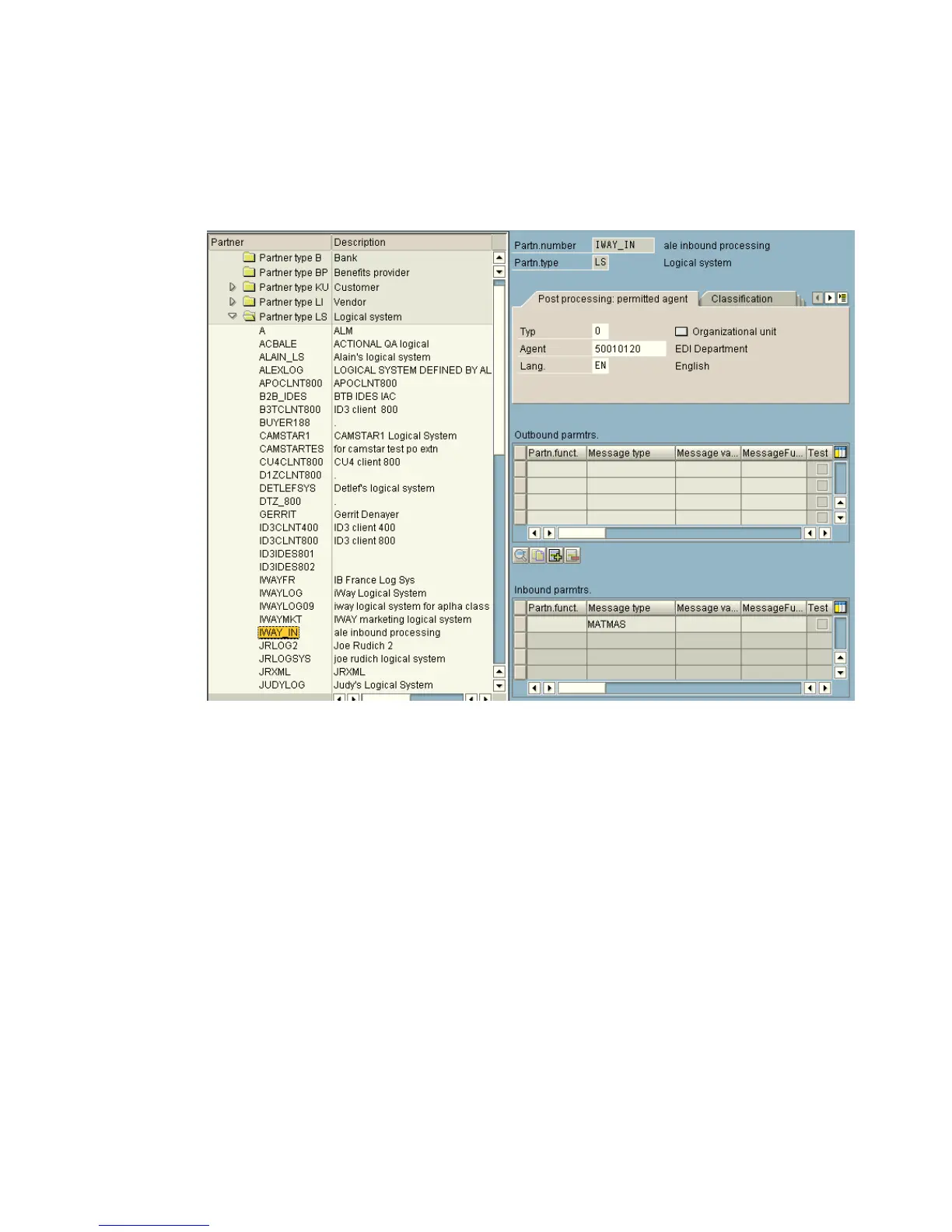
The right pane displays the details of the expanded folder including the logical system
and type, language, and so forth, as shown in the following image.
Note: The Partn.number field refers to the name of the logical system.
3. Click Save.
4. From the Inbound parameters table in the lower right, click the Create inbound
parameter icon.



 To Next Page