Creating XML Schemas for SAP
BEA WebLogic Adapter for SAP User’s Guide 3-5
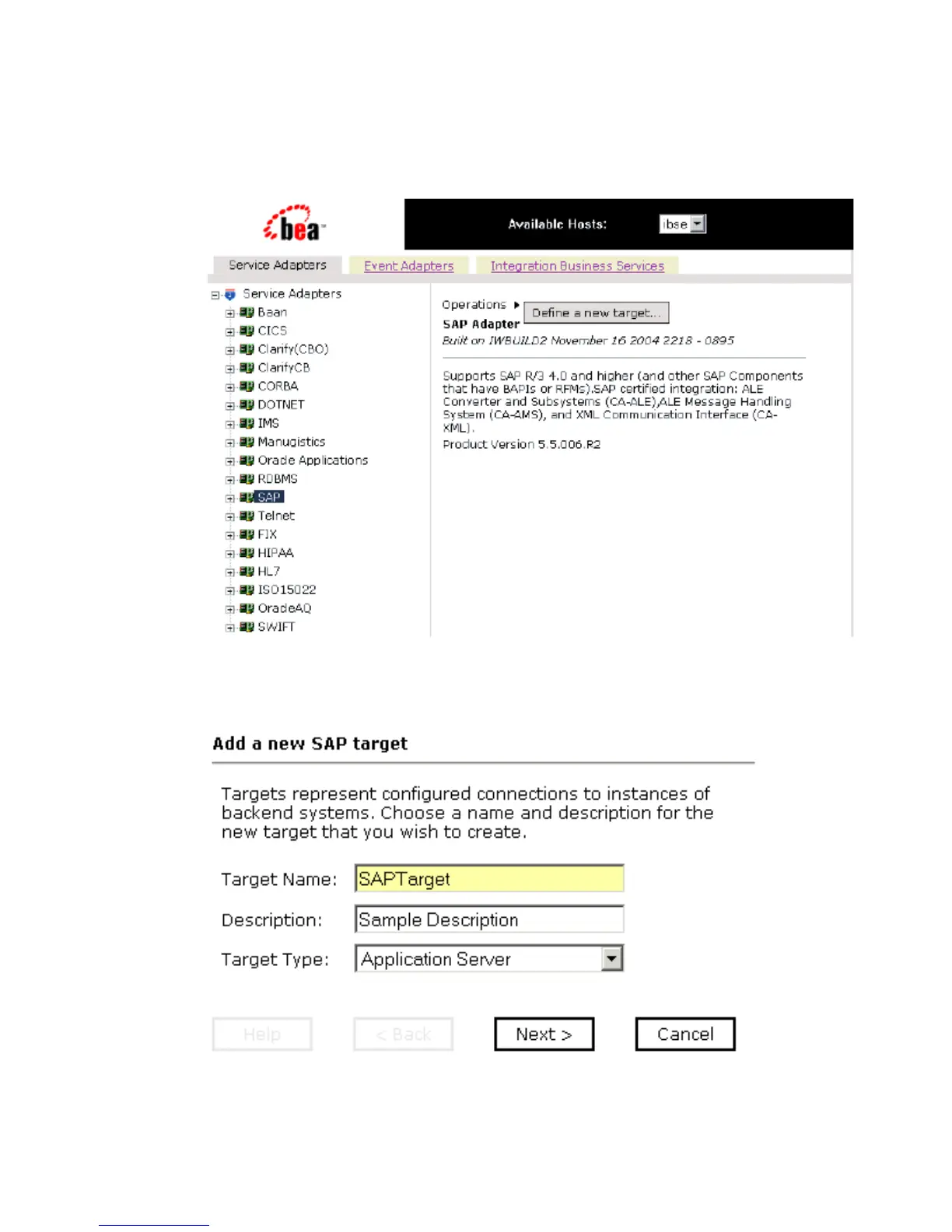
The Define a new target menu option appears as well as title and product version
information for the adapter in the right pane as shown in the following image.
3. Select Define a new target.
The Add a new SAP target pane opens on the right as shown in the following image.
a. In the Target Name field, type a name for the target, for example, SAPTarget.



 To Next Page