Establishing a Target for SAP
3-6 BEA Systems, Inc.
b. In the Target Description field, type a brief description (optional).
c. From the Target Type drop-down list, select the type of target to connect to.
The default value is Application Server.
4. Click Next.
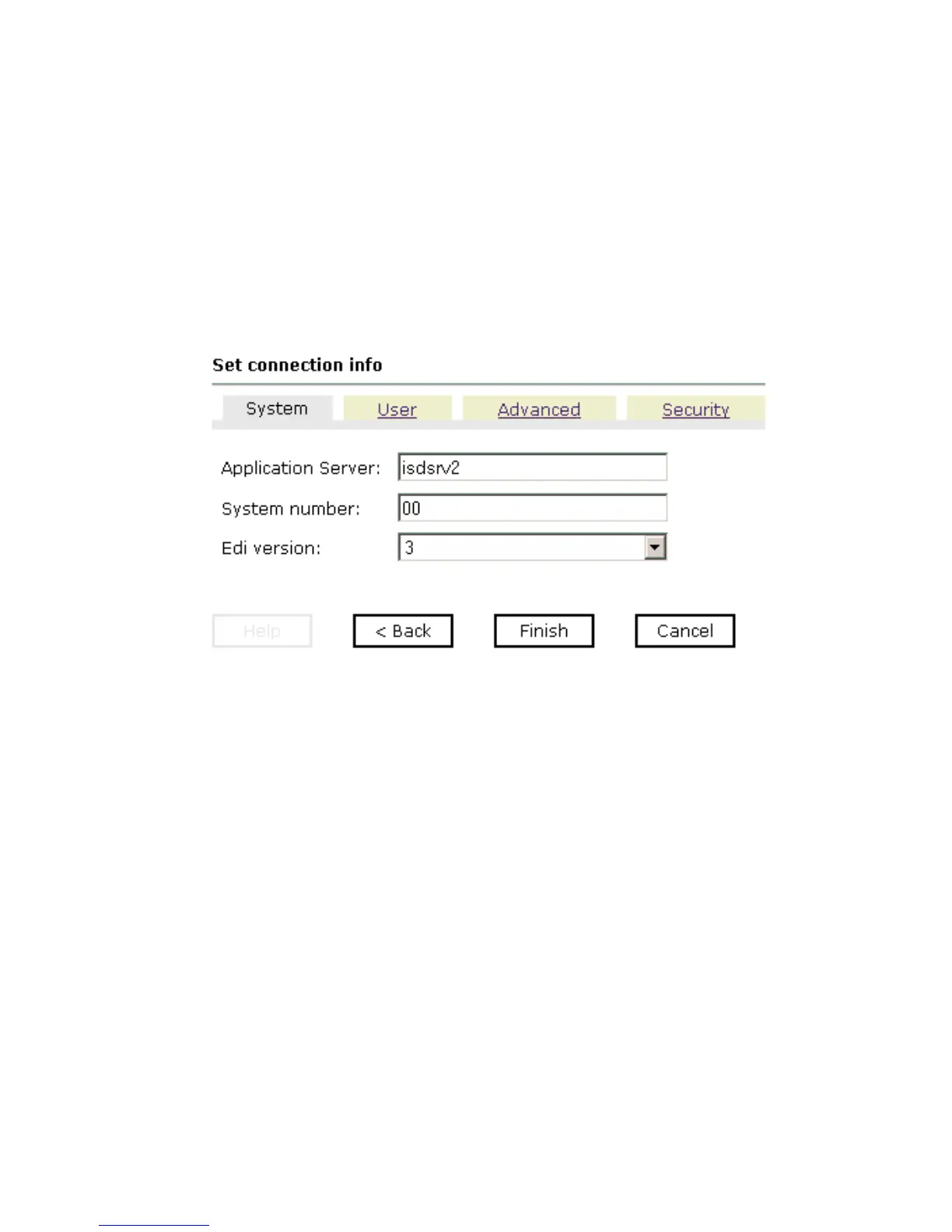
The Set connection info pane opens on the right. The following tabs are available:
System, User, Advanced, and Security. The System tab is active as shown in the
following image.
Note: The SAP connection parameters are consistent with those found in your SAP
system. For more information on parameter values that are specific to your SAP
configuration, consult your SAP system administrator.
The following tabs are available:
• System (Required)
• User (Required)
•Advanced
•Security
The System (required) tab enables you to provide the application server name, system
number, and EDI version for the SAP system to which you are connecting.
a. In the Application Server field, type the host name or IP address for the computer
that is hosting the SAP application.
b. In the System Number field, type the system number defined to SAP for client
communications.



 To Next Page