Creating Integration Business Services
4-6 BEA Systems, Inc.
a. In the Service Name field, type a name for the Integration Business Service.
b. In the Description field, type a brief description (optional).
c. In the License field, select the license definition you want to use.
5. Click Next.
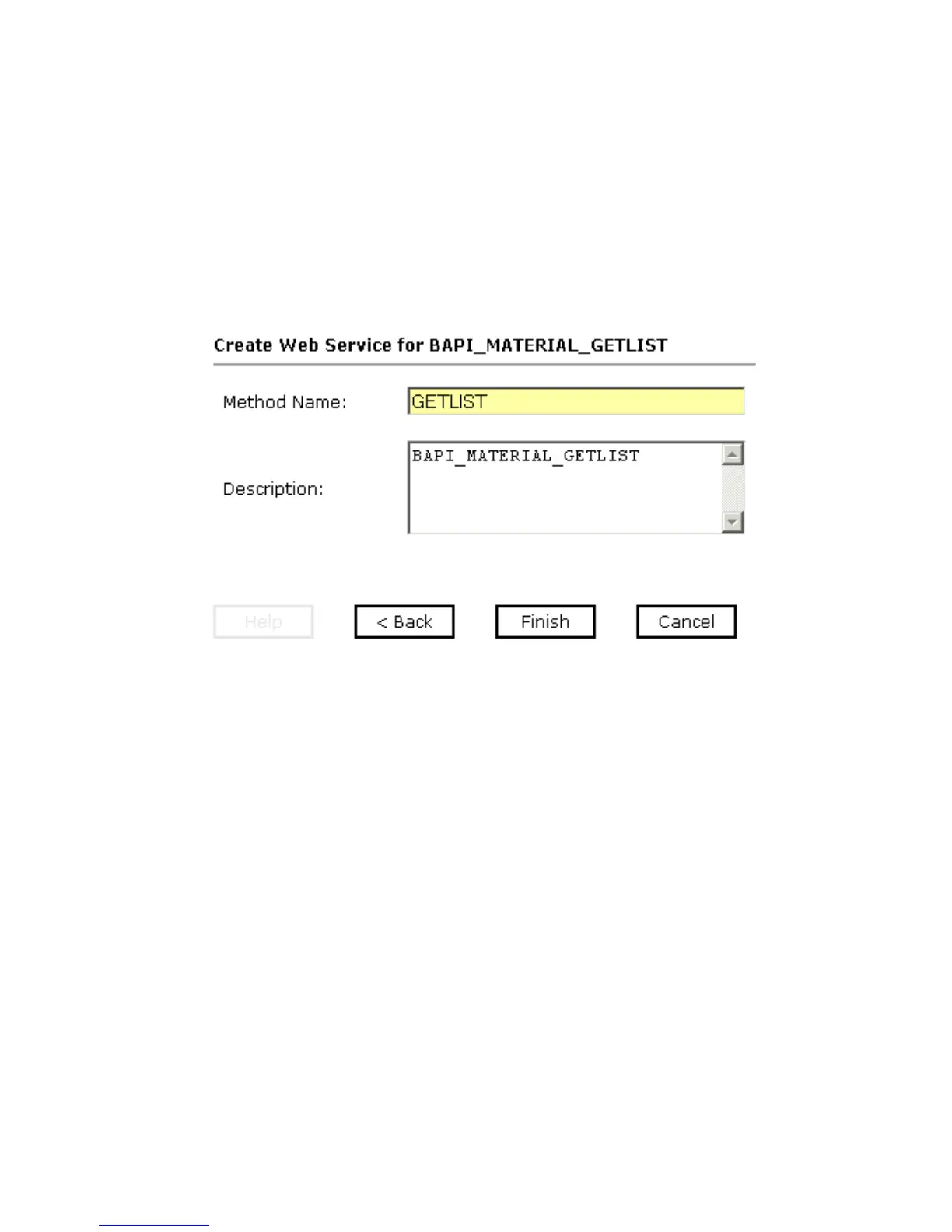
A second Create Web Service pane opens on the right that includes fields for the
method name and a description as shown in the following image.
a. In the Method Name field, type a descriptive name for the method.
b. In the Description field, type a brief description for the method (optional).
6. Click Finish.



 To Next Page