Creating and Publishing Integration Business Services
BEA WebLogic Adapter for SAP User’s Guide 4-7
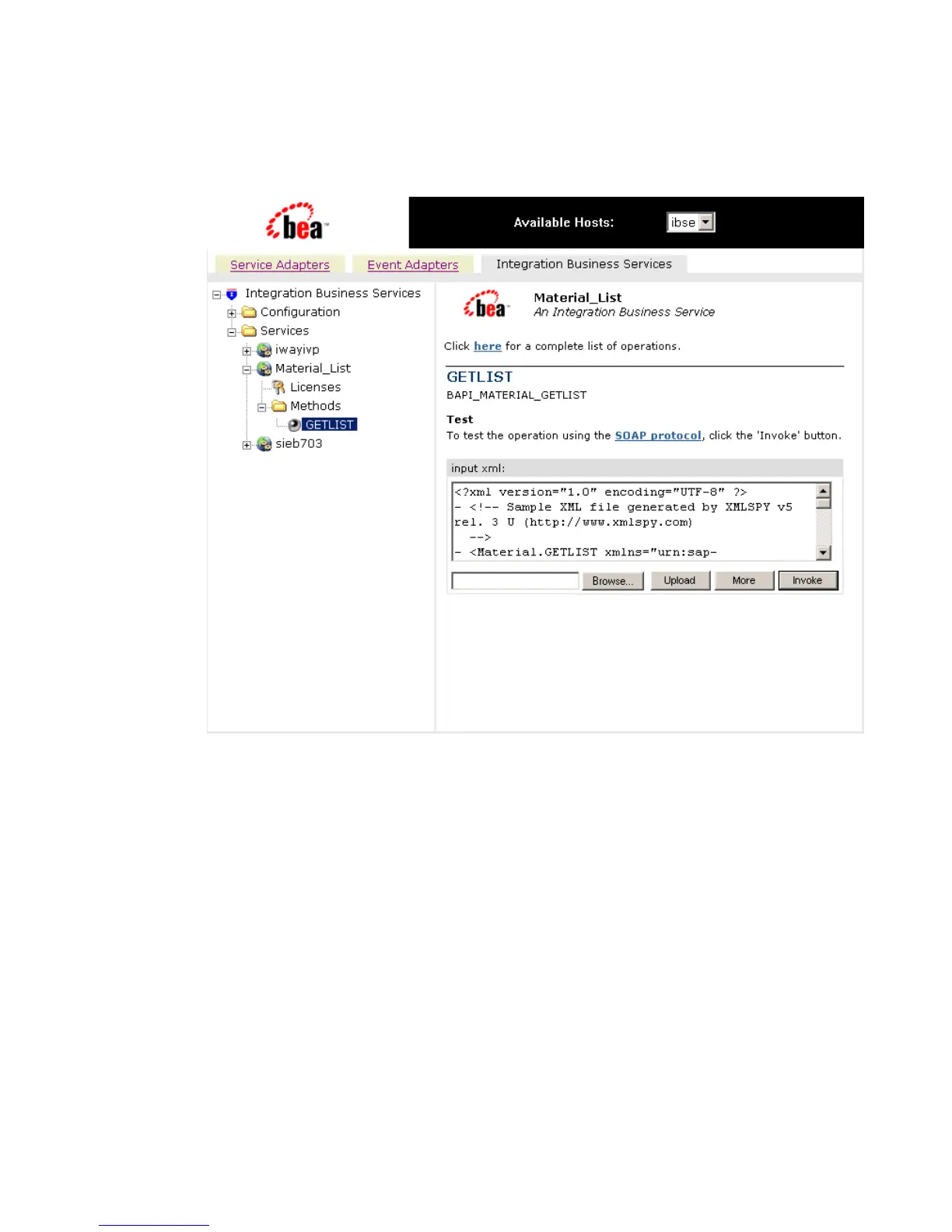
The Integration Business Services tab is active on the right as shown in the following
image.
All of the available services that were created appear in the left pane. The Material_List
service node is expanded, and the GETLIST method is automatically selected.
The test pane for the GETLIST method opens in the right pane.
7. Enter an XML instance of the schema you generated previously for the SAP business
component.
The document queries the service in the input xml field.
To use the identical sample input XML illustrated in this example, see Sample
Integration Business Services Input XML on page 4-9.
8. Click Invoke.



 To Next Page