Configuring the Event Adapter for SAP
BEA WebLogic Adapter for SAP User’s Guide 5-5
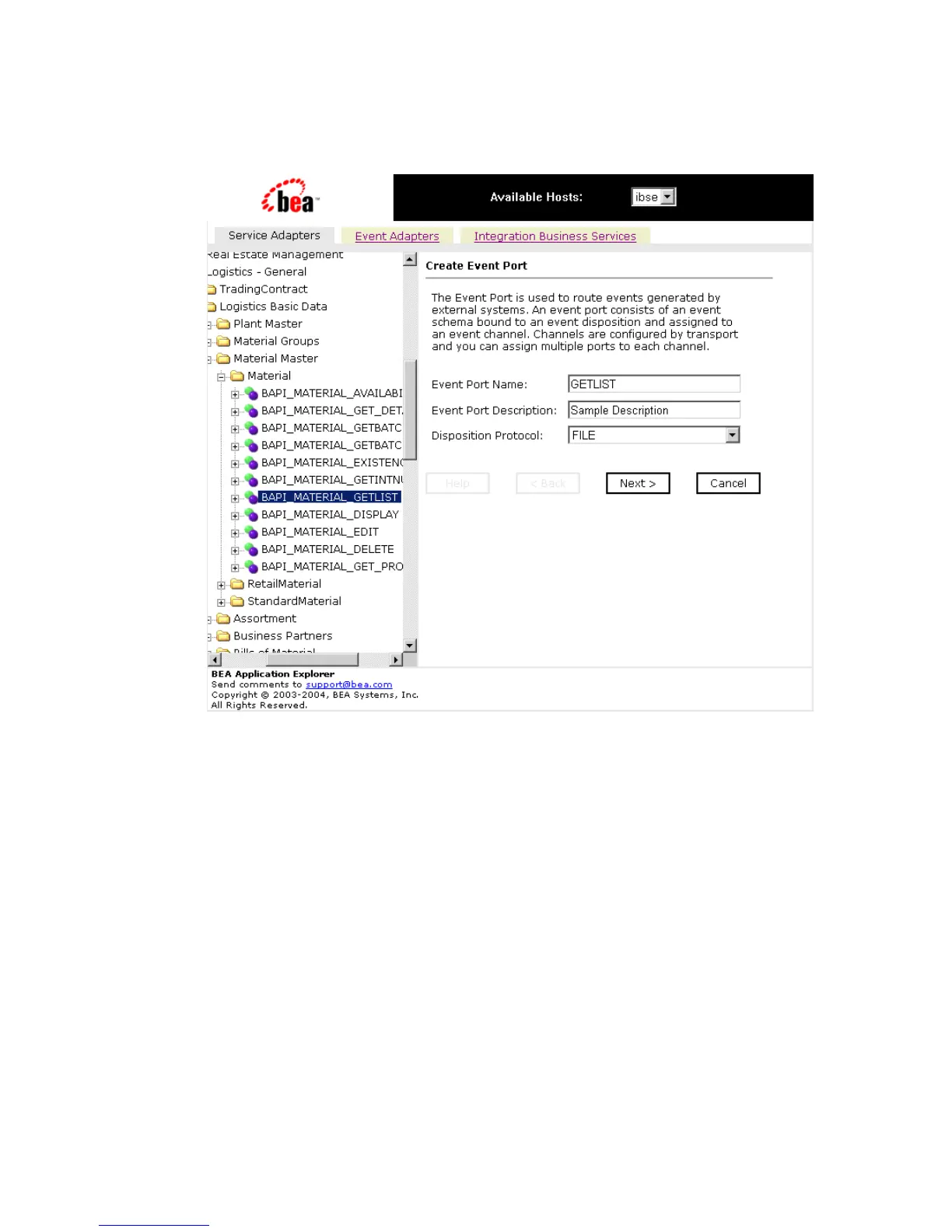
The Create Event Port pane opens on the right as shown in the following image.
a. In the Event Port Name field, type a name.
b. In the Event Port Description field, type a brief description (optional).
c. From the Disposition Protocol drop-down list, select FILE.
4. Click Next.



 To Next Page