Creating, Editing, or Deleting a Port
5-6 BEA Systems, Inc.
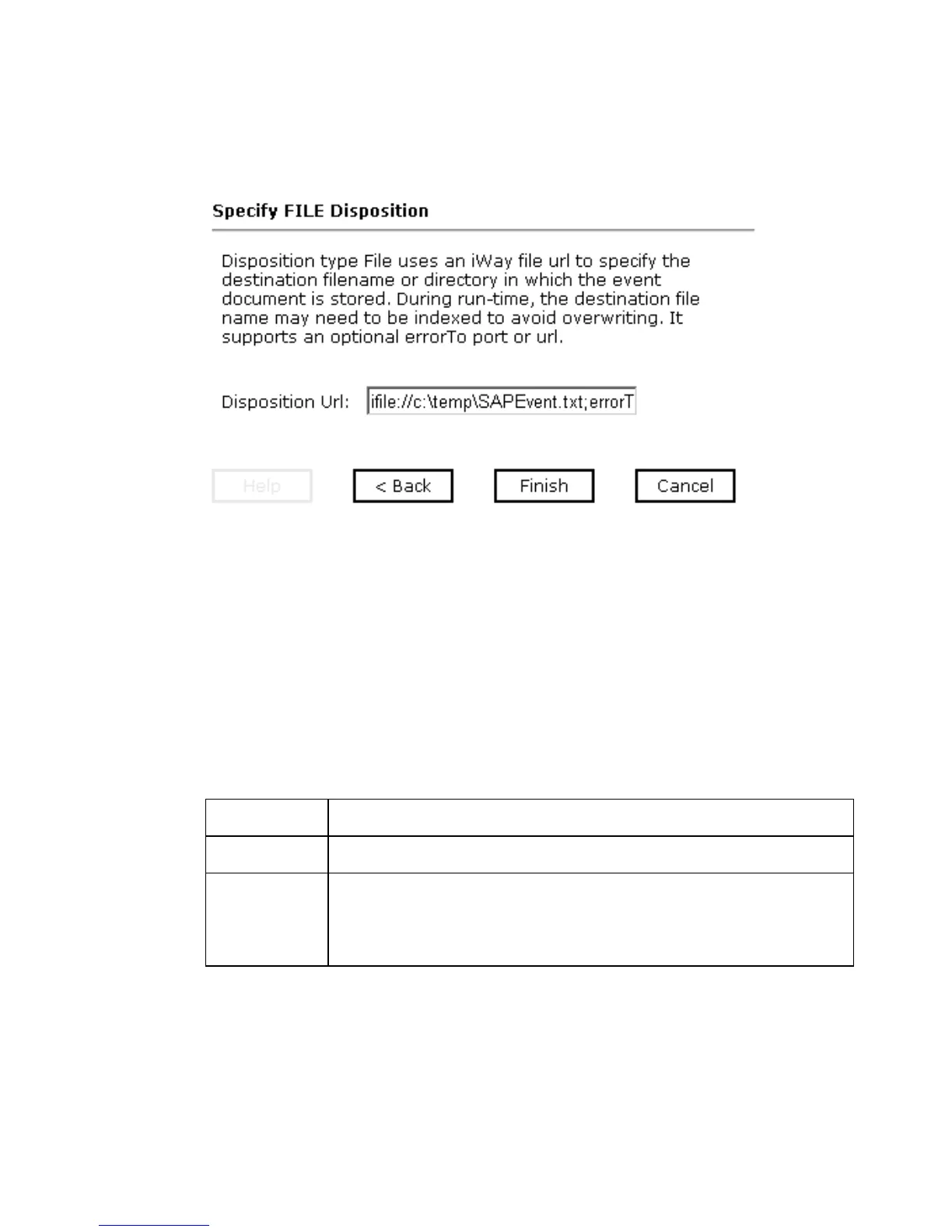
The Specify FILE Disposition pane opens on the right as shown in the following image
and includes information about the File disposition.
5. In the Disposition Url field, type a destination where the event data is written.
When pointing Application Explorer to an iBSE deployment, specify the destination file
using the following format:
ifile://location;[errorTo=errorDest]
When pointing Application Explorer to a JCA deployment, specify the destination file
using the following format:
location
The following table lists and describes the disposition parameters for File.
For example:
ifile://c:\temp\SAPEvent.txt;errorTo=ifile://c:\temp\error
6. Click Finish.
Parameter Description
location Full directory path and file name to which the data is written.
errorDest Location to which error logs are sent. Optional.
Predefined port name or another disposition URL. The URL must
be complete, including the protocol.



 To Next Page