Configuring the Event Adapter for SAP
BEA WebLogic Adapter for SAP User’s Guide 5-7
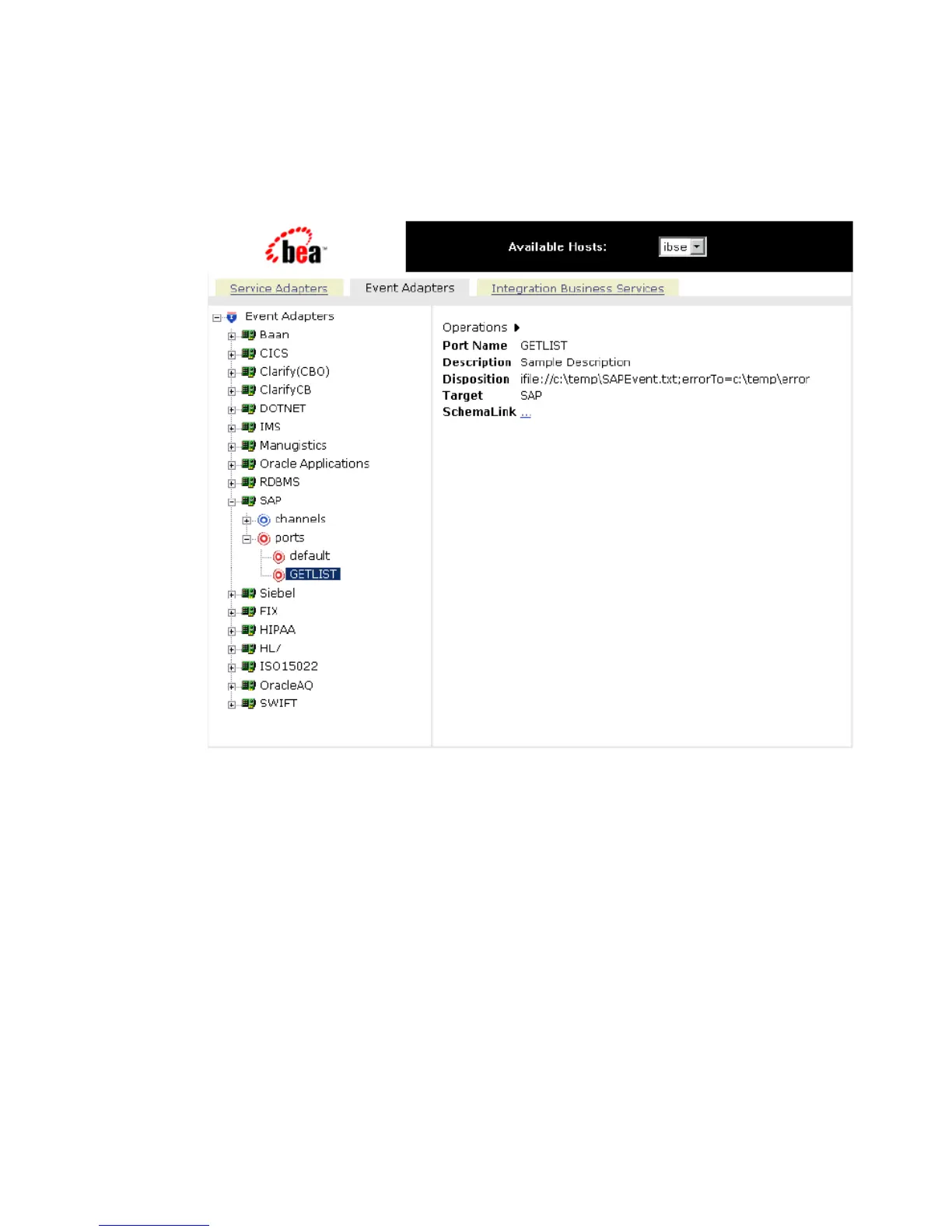
The Event Adapters tab becomes available. The event port appears under the ports
node in the left pane. In the right pane, a summary of the information associated with
the port appears.
7. To view the event schema that was created for the event port, click SchemaLink.
You are now ready to associate the event port for File with a channel. For more
information, see Creating, Editing, or Deleting a Channel on page 5-16.
Procedure: How to Create a Port for the iBSE Disposition
The iBSE disposition enables an event to launch an Integration Business Services method.
To create a port for an iBSE disposition using Application Explorer:
1. Click the Event Adapters tab.
2. In the left pane, expand the SAP node.
3. Select the ports node.
4. Move the pointer over Operations and select Add a new port.



 To Next Page