Configuring the Event Adapter for SAP
BEA WebLogic Adapter for SAP User’s Guide 5-17
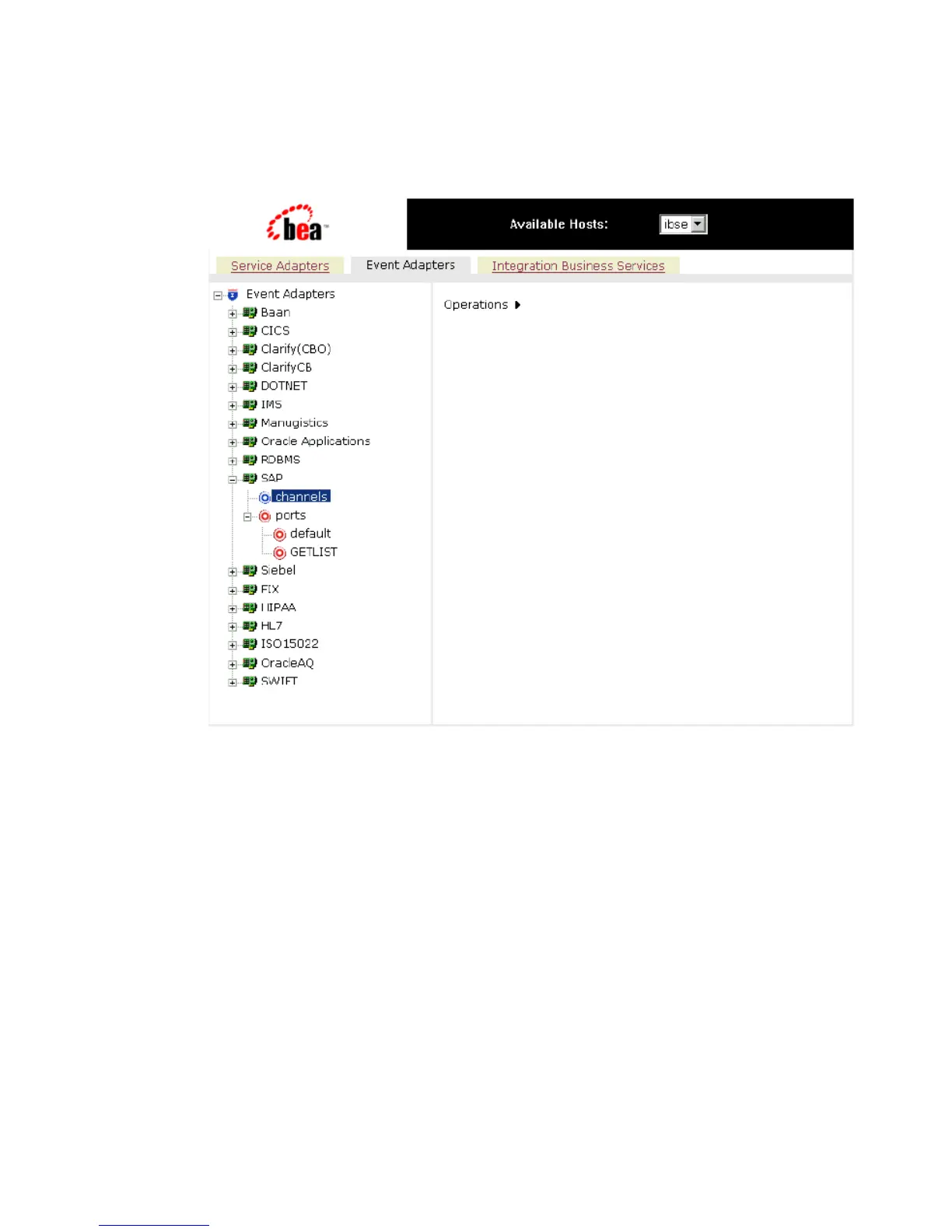
The list of adapters that support events appears in the left pane as shown in the
following image.
2. Expand the Event Adapters node, for example, SAP.
The ports and channels nodes appear in the left pane.
3. Click the channels node.
4. In the right pane, move the pointer over Operations and select Add a new channel.



 To Next Page