Creating, Editing, or Deleting a Channel
5-18 BEA Systems, Inc.
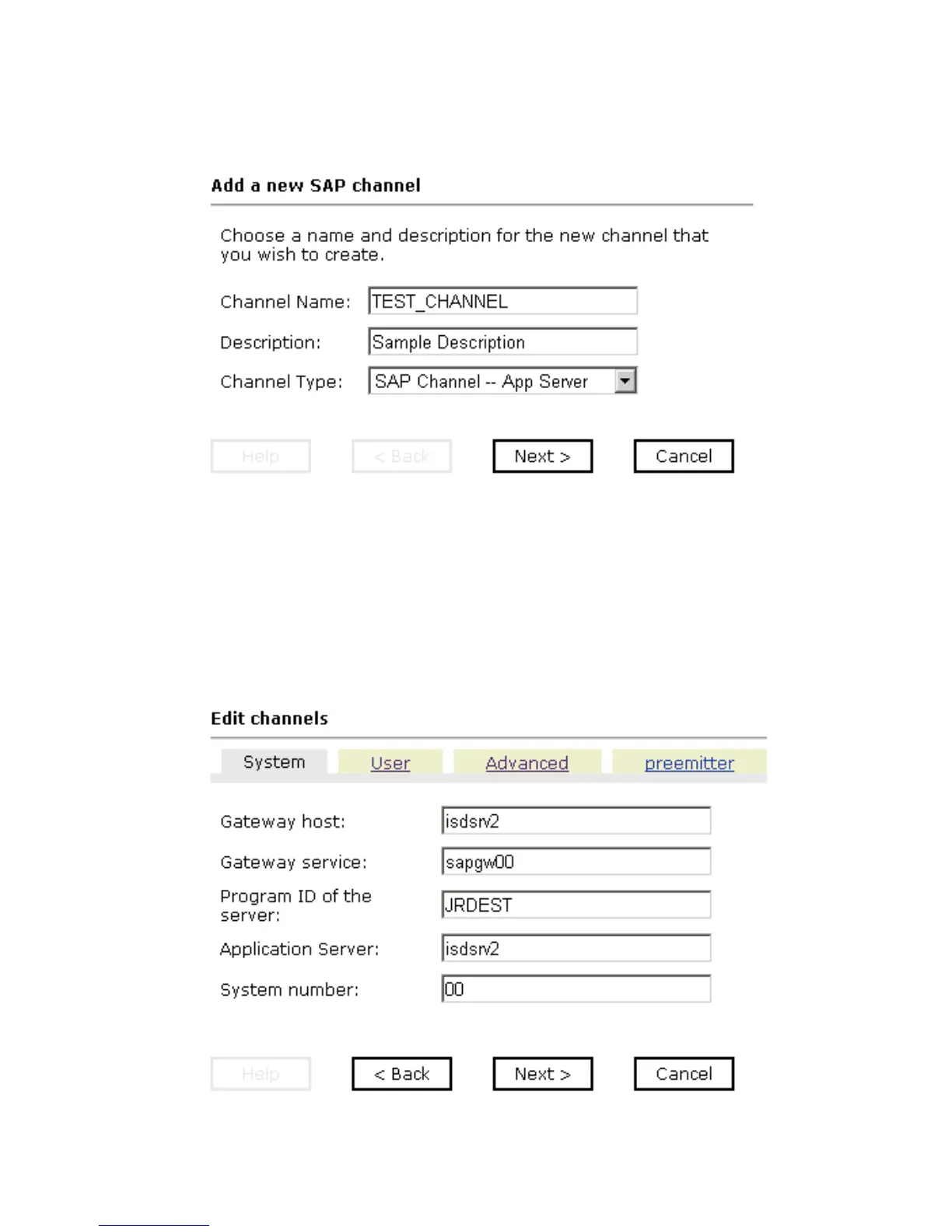
The Add a new SAP channel pane opens on the right as shown in the following image.
a. In the Channel Name field, type a name, for example, TEST_CHANNEL.
b. In the Description field, type a brief description (optional).
c. From the Channel Type drop-down list, select SAP Channel -- App Server.
5. Click Next.
The following graphic shows the Edit channels pane that opens on the right, with fields
to enter a gateway host, a gateway service, the program ID of the server, an application
server, and a system number for the channel.



 To Next Page