Configuring the Event Adapter for SAP
BEA WebLogic Adapter for SAP User’s Guide 5-19
a. On the System tab, enter the information that is specific to your SAP system.
Note: The program ID of the server is case sensitive.
The following table lists and describes the system parameters.
b. Click the User tab.
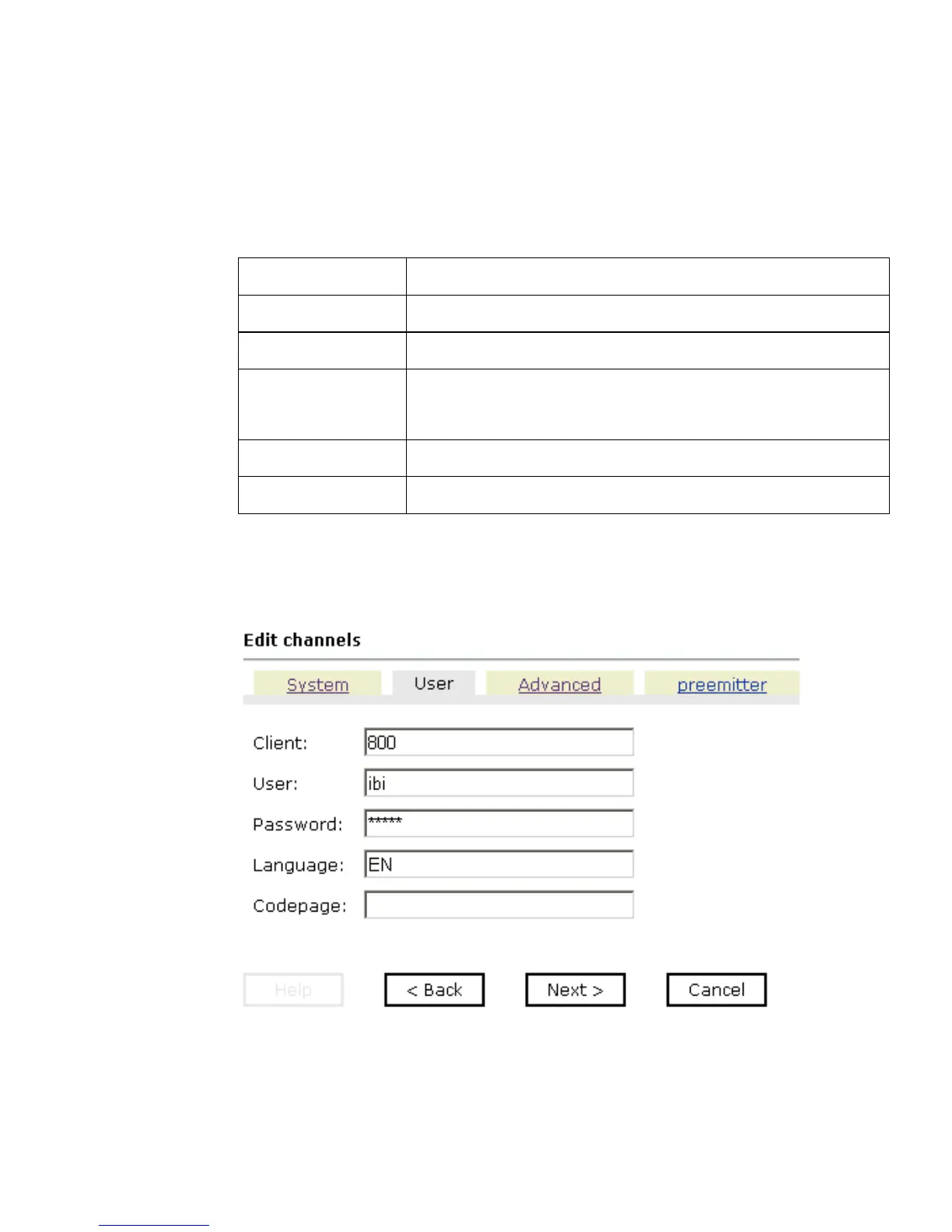
The following graphic shows the User tab that opens, with fields to enter a client, a
user, a password, a language, and a code page.
The following table lists and describes the user parameters.
Parameter Description
Gateway host Host name of the SAP gateway.
Gateway service Service of the SAP gateway.
Program ID of the
server
Program ID of the registered server program.
Note: The program ID of the server is case sensitive.
Application Server Host name of the SAP system.
System number Number of the SAP system (two-digit numeric value).



 To Next Page