Configuring the Event Adapter for SAP
BEA WebLogic Adapter for SAP User’s Guide 5-21
The following table lists and describes the parameters on the Advanced tab.
Note: For more information on obtaining the values found in the Advanced tab,
see your SAP system administrator.
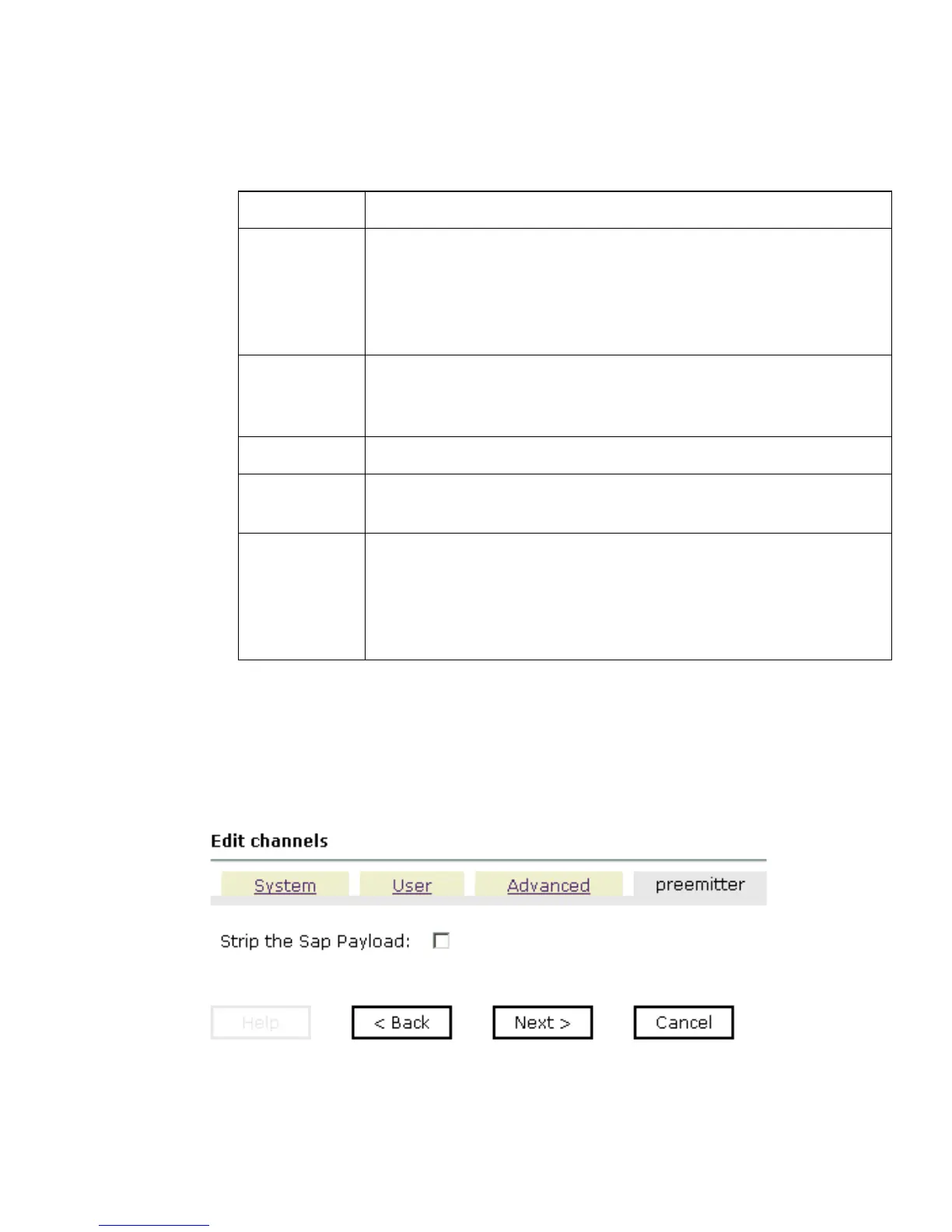
6. Click the preemitter tab.
The following graphic shows the preemitter tab that opens, with a checkbox that
enables you to strip the SAP payload of an event document.
7. Click Next.
Parameter Description
IDOC Format The IDoc format to use for the channel you are creating. Possible
values include:
SAP IFR IDOC-XML (Default)
FLAT IDOC
User Defined
Function
Modules
Path on the file system that points to your user-defined function
module. A user-defined function module is used as a data
source.
SAP trace Select this option to enable SAP traces.
Unicode Select this option if you want your response to have a Unicode
format.
Processing
Mode
Processing mode to use for your channel. Possible values
include:
REQUEST (Default)
REQUEST_RESPONSE



 To Next Page