Creating, Editing, or Deleting a Channel
5-22 BEA Systems, Inc.
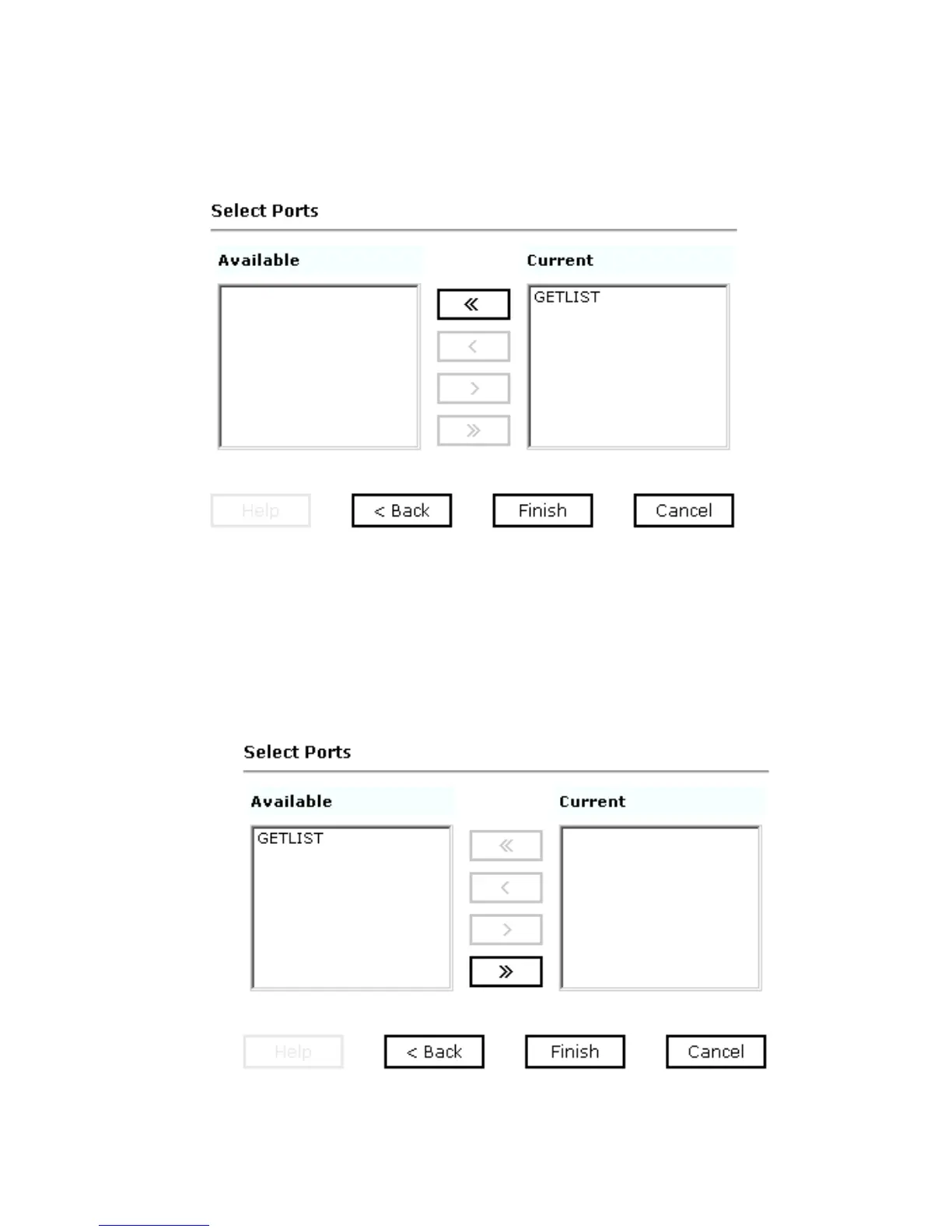
The Select Ports pane opens as shown in the following image where you can move
ports between the Current list and the Available list.
a. Select an event port from the list of current ports.
b. To transfer the port to the list of available ports, click the single left arrow button or
to associate all event ports, click the double left arrow button.
When only one port appears, it is as if you are transfering all ports. Therefore, only
the double arrow button is active.
The port appears in the list of available ports as shown in the following image.



 To Next Page