Controls and Terminals 13
English
The "Power", "Channel ()/()", "Volume ()/()", "Input" and "Menu" buttons on the main unit
function in the same way as their counterparts on the remote control. Information in this manual
is based on the use of the remote control to operate the television.
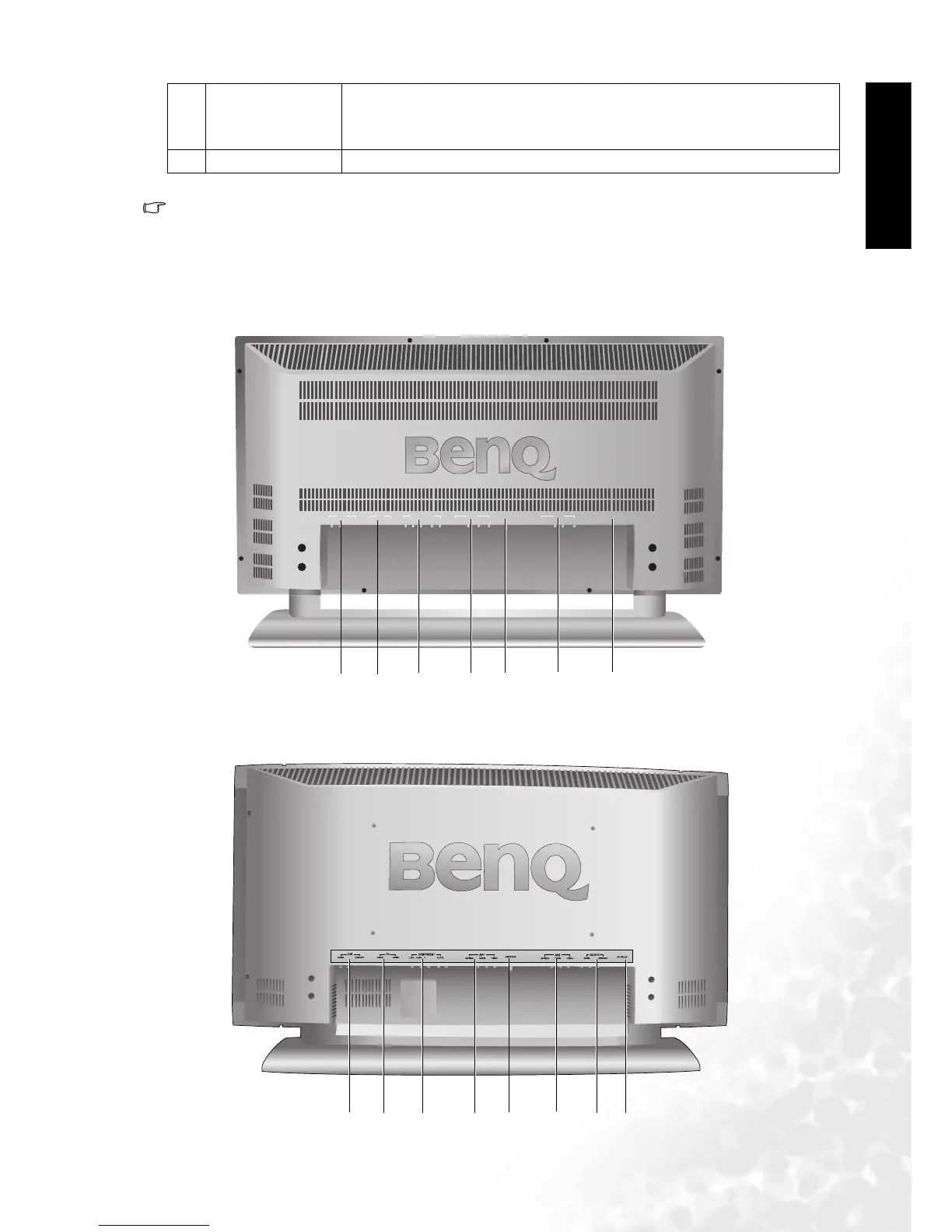
Main Unit (Rear View)
4 Volume ()/()
• Press Volume to increase the volume, or Volum e to decrease it.
• On the OSD main screen, pressing these buttons allows selection of
options.
5MENU Press this button to display the on-screen display (OSD) menu.
AV1
S-VIDEO
VIDEO
AUDIO
COMPONENT
Cr/PR Cb/Pb Y
DVI
AUDIO DVI/HDCP
PC
D-SUB AUDIO AUDIO
AV2
S-VIDEO VIDEOAUDIO
ANTENNA AC-INLET
1
2
3
24
5
6
DV2680
DV3070/DV3080
1
23
24
5
6
7



 To Next Page