The On-Screen Display (OSD) Menu34
English
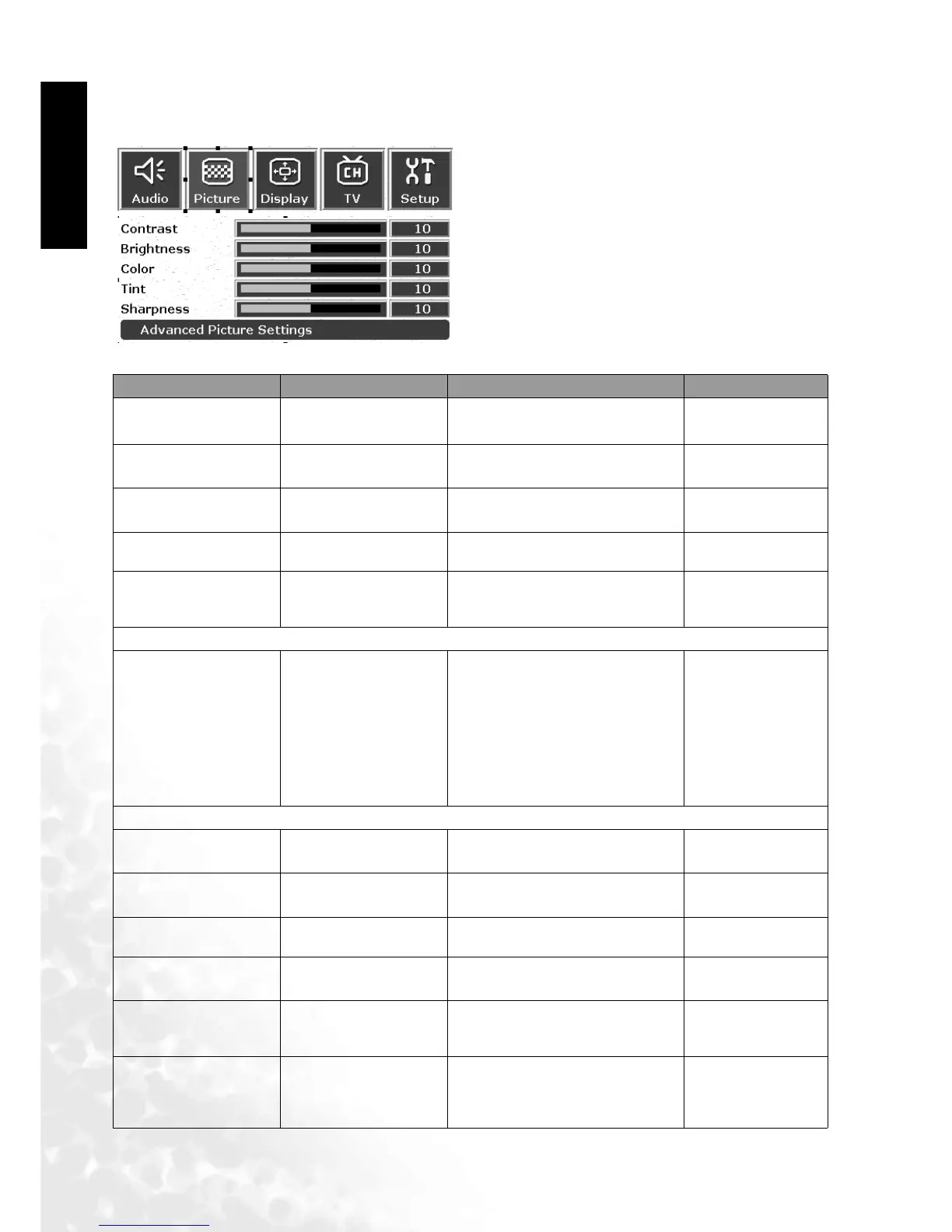
Picture Adjustment
Picture Menu
1. Press the MENU button on the remote or the
Menu key on the television to display the main
menu.
2. Press the or buttons to select Picture and
then press OK to enter the submenu.
3. Press the or buttons to select an item.
4. In the Picture Menu, after selecting the desired
option, and pressing OK, use theor buttons
to adjust the setting or select the options.
Item Function Operation Range
Contrast Adjust image contrast
Use to increase contrast,
or to reduce it.
0 to 32
Brightness
Adjust screen
brightness
for brighter screen,
for darker screen.
0 to 60
Color Adjust color saturation
for higher saturation,
for lower saturation.
0 to 64
Tint Adjust tint
for redder tones,
for greener tones.
0 to 30
Sharpness
Adjust image
sharpness for a sharper
image
for a sharper image,
for less sharpness.
-14 to +25
Advanced Picture Settings
Color temperature
Adjust color
temperature
Use the and buttons on the
remote control or the Channel
and Channel keys on the
television to select it.
• Panel default
• Warm: Biased
toward red
• Normal: Standard
color temperature
• Cool: Biased
toward blue
Color enhancement
Red Adjust red in image
for more redconcentration,
for less red concentration.
0 to 30
Green Adjust green in image
for more gree concentration,
for less green concentration.
0 to 30
Blue Adjust blue in image
for more blue concentration,
for less blue concentration.
0 to 30
Yellow Adjust yellow in image
for more yello concentration,
for less blue concentration.
0 to 30
Save settings
Different users can
store up to three
profiles
Use or buttons to select a
stored profile.
User's memory 1,
2, and 3
Load settings
Adjust preset user
modes or select from
any of the 3 user's set-
tings
Use or buttons to switch
Vivid, standard,
movie and sports;
user memory 1, 2
and 3



 To Next Page