Using the Remote Control24
English
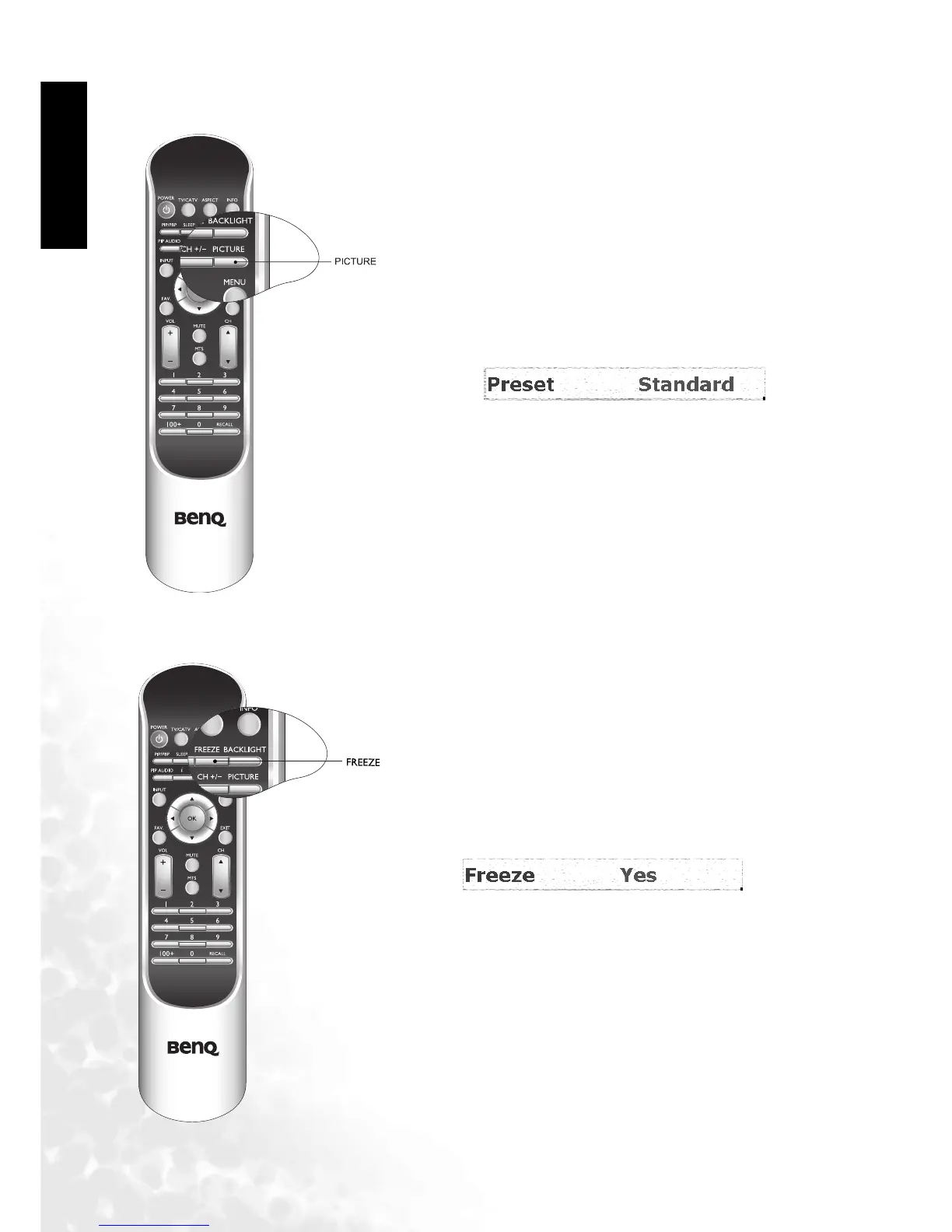
Adjusting User Situation Modes
Freeze
To adjust user situation modes, press the PICTURE
button on the remote control. This enables you to select
from among 4 modes (Vivid, Standard, Movie and
Sports).
Press the FREEZE button on the remote control to
free the image on the screen.
Press the FREEZE button again to restore normal
motion.



 To Next Page