The On-Screen Display (OSD) Menu36
English
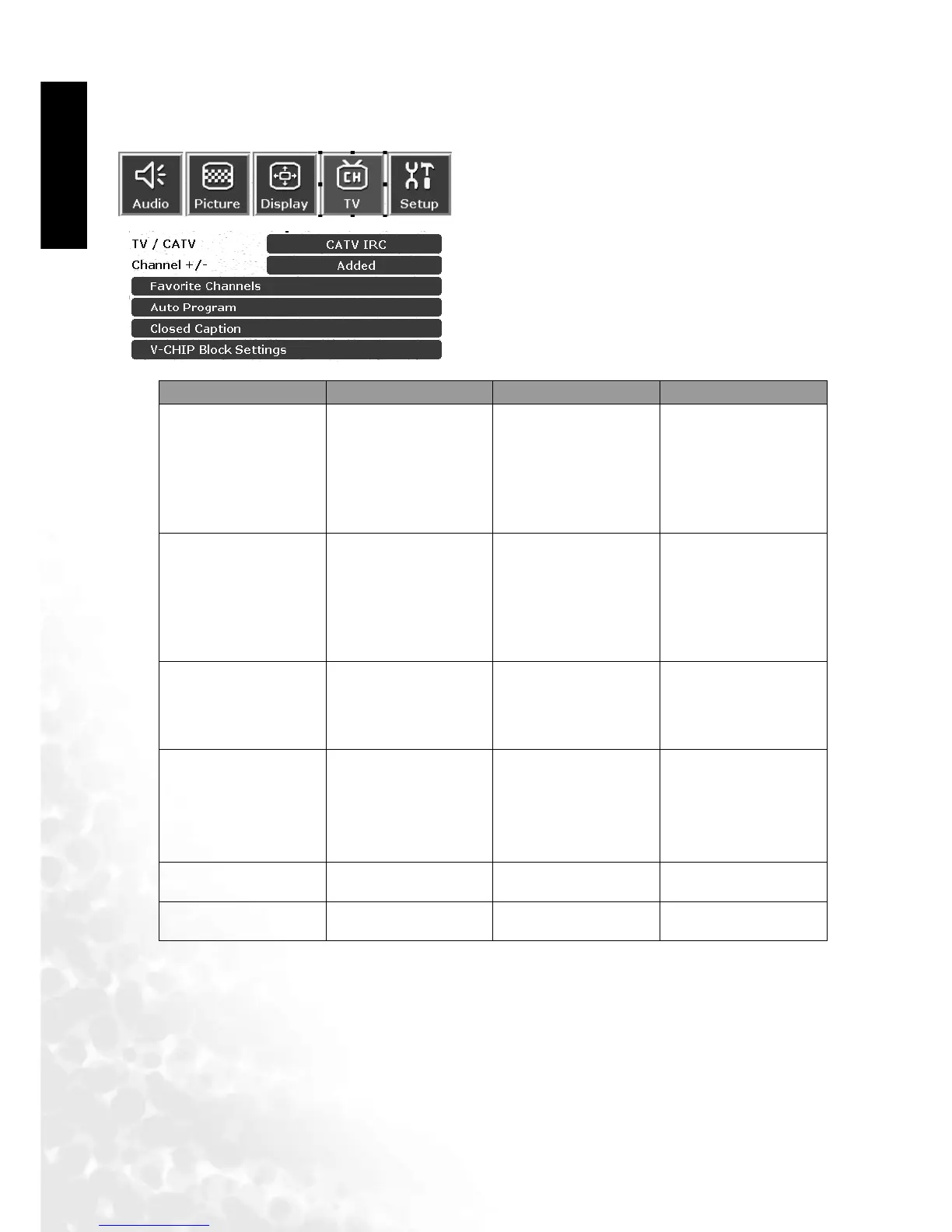
TV Adjustment
TV Menu
1. Press the MENU button on the remote or the
Menu key on the television to display the main
menu.
2. Press the or buttons to select TV and then
press OK to enter the submenu.
3. Press the or buttons to select an item.
4.In the TV menu, after selecting the desired option,
and pressing OK, use theor buttons to adjust
the setting or select the options.
Item Function Operation Range
TV/CATV
Select TV or cable
system mode
Use the and
buttons on the remote
control or the Volume
and Vo lu m e keys
on the television to
select it.
TV, CATV
Channel +/-
Add weak or addi-
tional channels or
delete unwanted
channels from televi-
sion memory
Use the and
buttons on the remote
control or the Volume
and Vo lu m e keys
on the television to
select it.
Skipped, Added
Favorite Channels
Set or change favorite
channels
Set favorite channels
using the or
button, and then press
EXIT to save your set-
tings.
Favorite channels 1, 2,
3, 4, 5
Auto program
Tuner will search
through all available
channels and add
them to memory
Press OK on the
remote control or
INPUT on the
television to begin
search.
Closed Caption
Adjust Closed Caption
setting
Press OK to enter the
sub menu.
CC1, CC2, T1, T2, T3,
T4, Off
V-CHIP Block Settings Adjust V-Chip setting
Press OK to enter the
sub menu.



 To Next Page