Using the Remote Control28
English
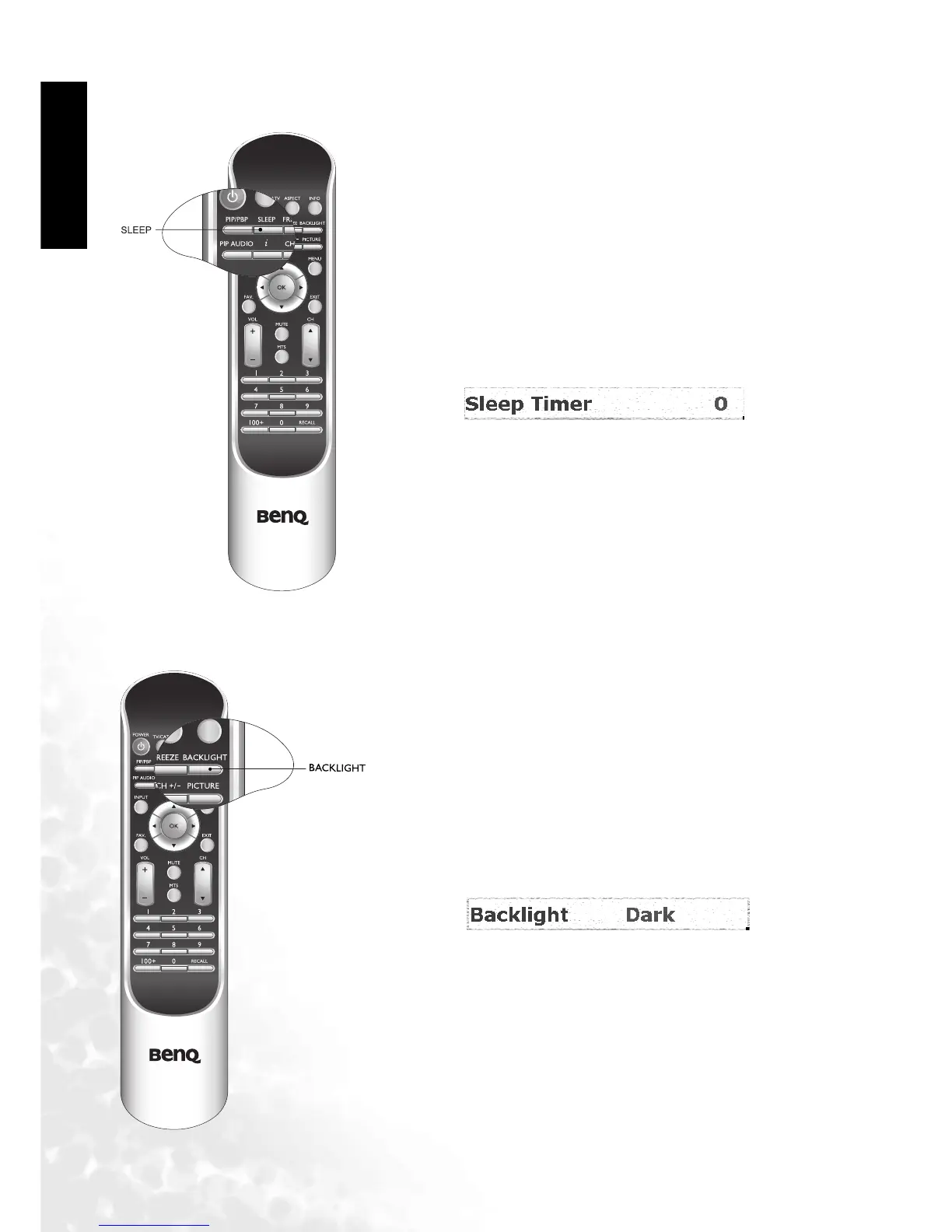
Using the Sleep Timer
Adjusting Backlight
1. Press the SLEEP button on your remote control to set the
automatic sleep timer.
2. Use the or buttons to adjust the time. Time is set in
increments of 30 minutes, from 0 to 180 minutes.
If you need to adjust the intensity of your television's backlight,
press the BACKLIGHT button on your remote control and
select "Dark" "Normal"or "Bright".



 To Next Page