The On-Screen Display (OSD) Menu 31
English
How to Use the OSD Menu
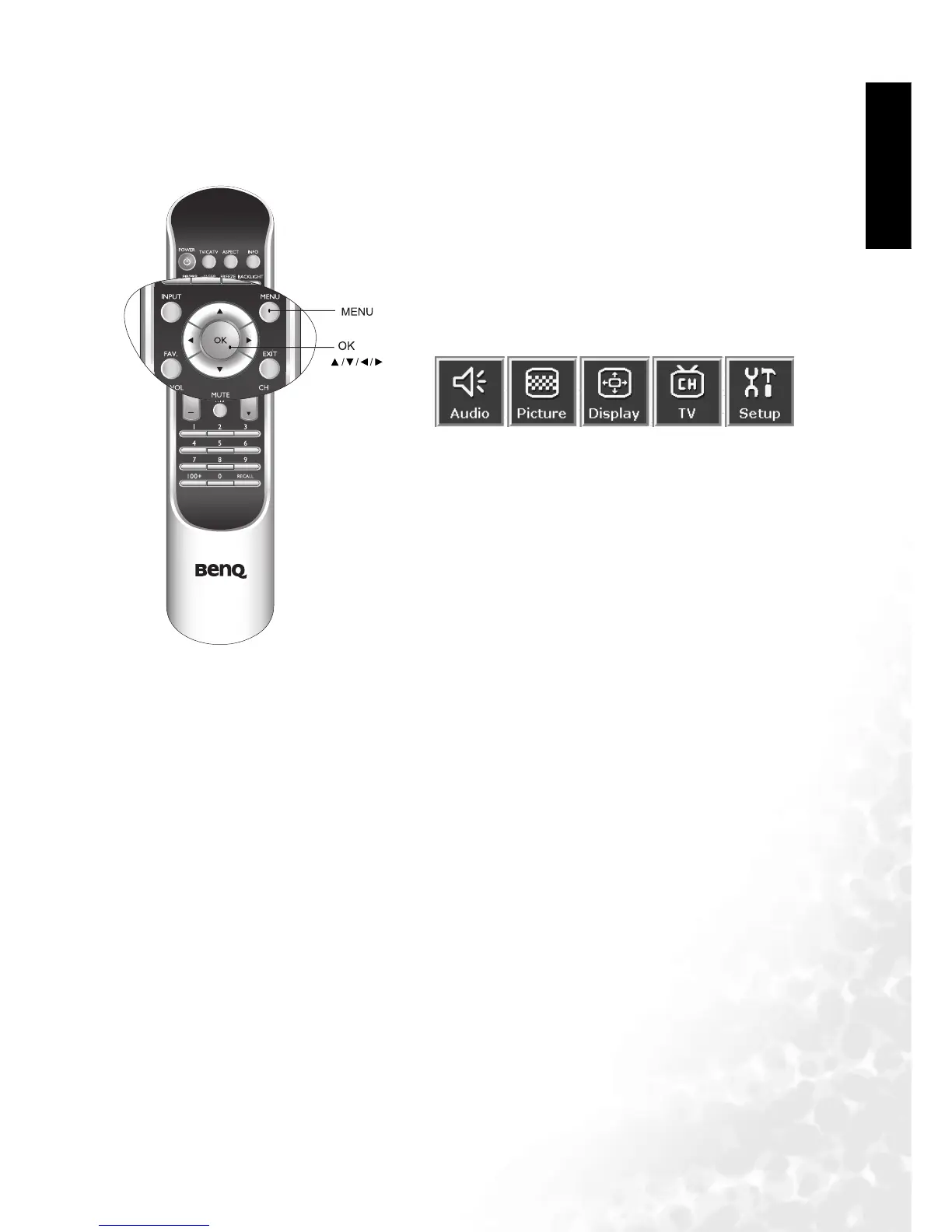
You can use the OSD menu screen to adjust all the settings on your television. Follow the steps
outlined below to select the function you desire, and refer to the pages indicated for more
information.
1. As shown in the diagram, pressing the MENU button on your
remote control, or the Menu button on your television will
bring up the following main menu on your screen:
2. press the or buttons to select items on the main menu,
choose functions or change settings.
3. Press OK to enter the submenu.
4. Press EXIT to exit from the main menu or submenu.



 To Next Page