Controls and Terminals 17
English
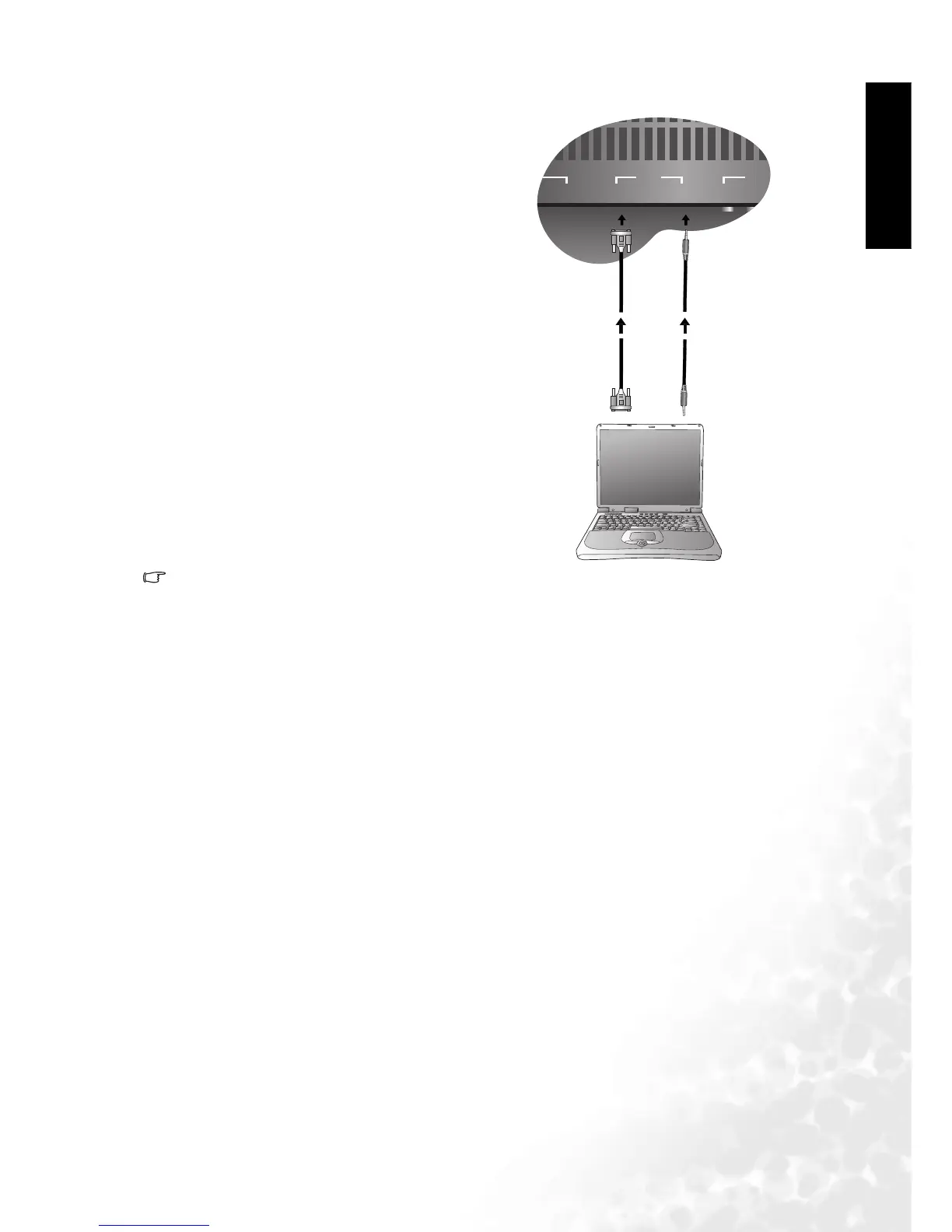
Connecting RGB (Min D-SUB 15 Pin Connector) Signals
1.The native display resolution of the television is1280 x 768. If the signal resolution is greater
than the native resolution, the screen may be unable to display image details clearly.
2. You will need a converter to connect a Macintosh computer to the television using a PC D-SUB
15P cable.
3. Certain PC models cannot be connected to the television.
4. If your computer has a DOS/V compatible D-SUB 15P, no adapter is required.
5. The computer in the illustration is shown only for reference; your equipment may vary.
6. Additional equipment shown in the illustration is not provided.
7. Do not set the computer's horizontal and vertical scanning frequencies, because these scan-
ning frequencies are less than or greater than the frequency range.
8. If you require more information on how to connect your equipment, please refer to the manual
for the piece of equipment you wish to attach.
Connect your computer's output cable to
the D-SUB input using a Min D-SUB 15
pin cable.
Connect your computer's audio out to the
television using an appropriate cable.



 To Next Page