Controls and Terminals16
English
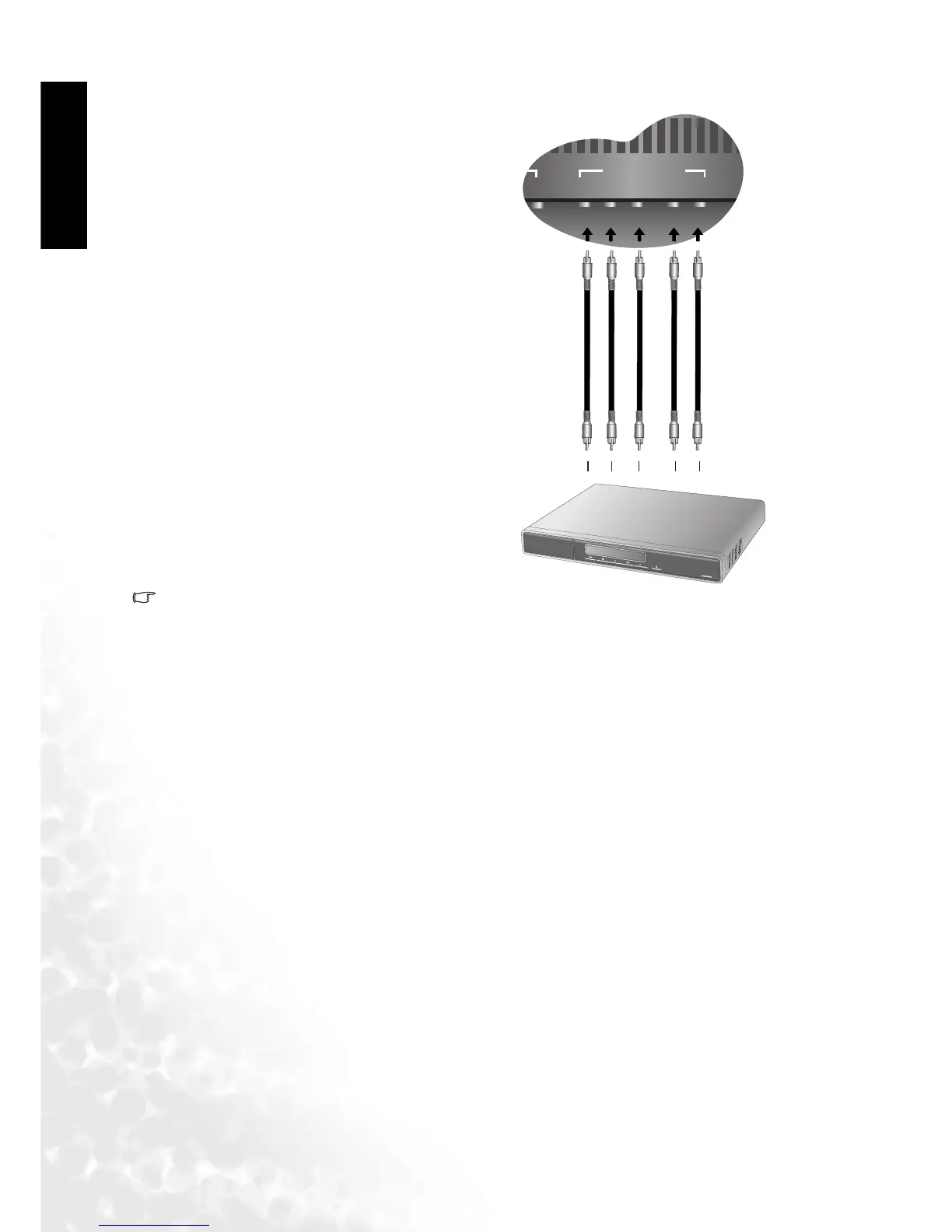
Connecting Component Video Input (Y Cb/Pb Cr/Pr) Signals
1.Of the currently available input signal types, Component video input offers the best quality.
Most commonly, Component video output comes from DVD players. Therefore, when using a
DVD player, we suggest that you use Component video input. The image quality with this type
of input is superior to that obtained with S-video. All HDTV signals must go through this input.
This input can also be used for high-resolution signals, such as for progressive scanning DVD
players or computers.
2. Connect to the Component video input (Y Pb Pr) if your DVD player is a progressive scan
model.
3. Connect to the Component video input (Y Cb Cr) for standard DVD players.
4. Your BenQ television supports 480p, 720p and 1080i HDTV signals.
Connect your AV equipment to the
television's Component Cb/Pb Cr/Pr intput
using a Component video cable.



 To Next Page