Using the Remote Control 29
English
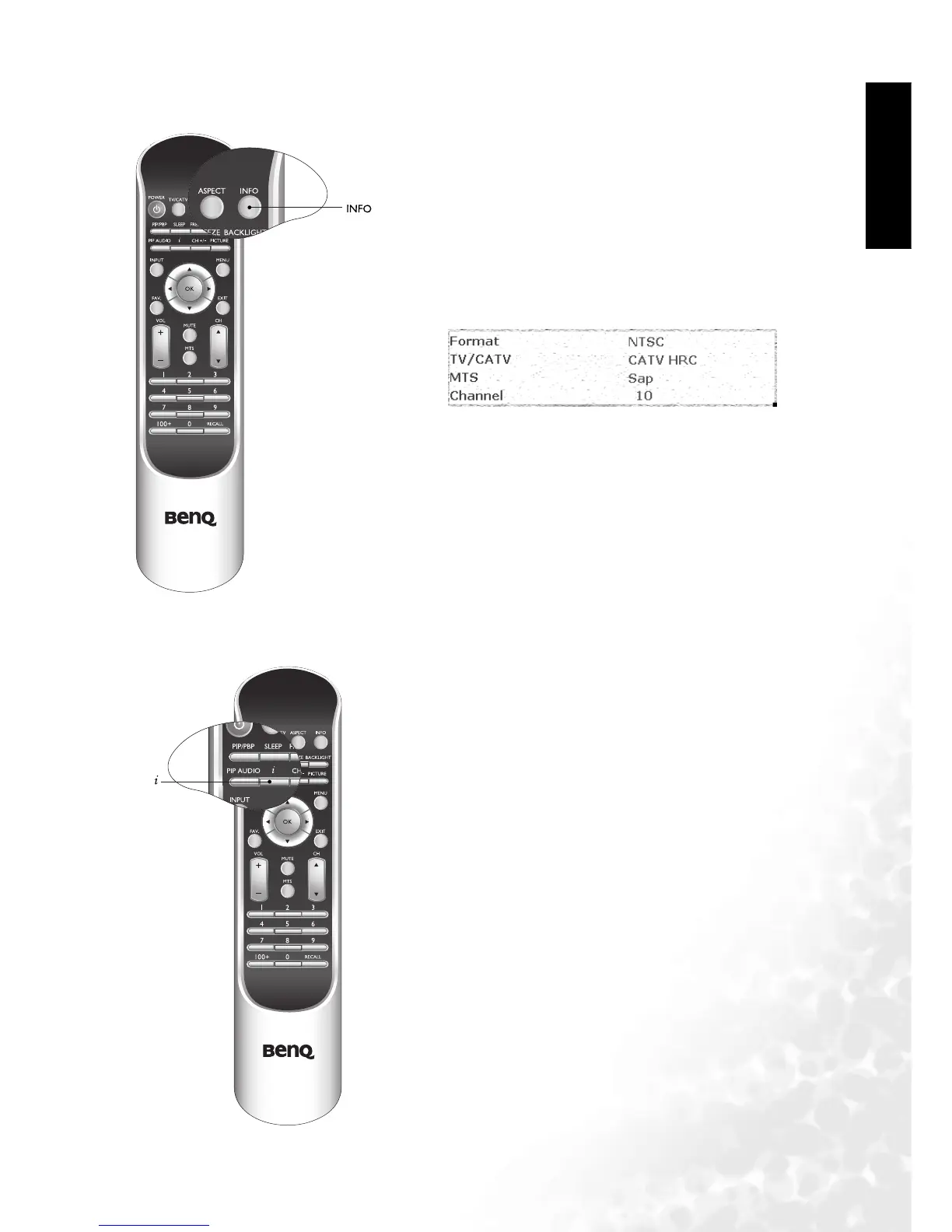
Displaying Information
Using the Auto Function
Press the INFO button on your remote control to display the sig-
nal information, including input video signal source, TV/CATV
system, current audio selection and channel.
Press the "i" key on your remote control to have your television
automatically adjust the frequency, phase, horizontal and vertical
positions in PC and HDTV modes.



 To Next Page