Using the Remote Control 25
English
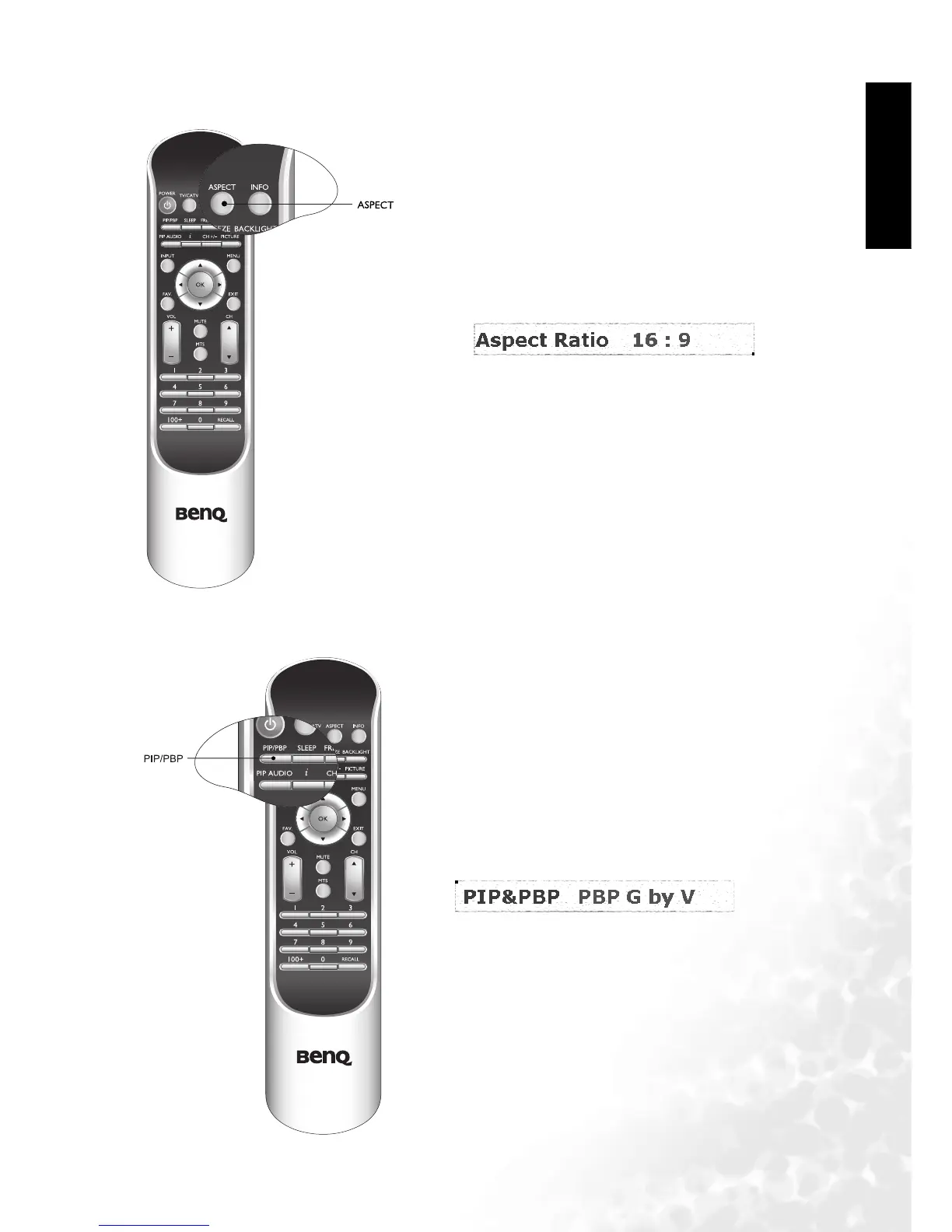
Adjusting Aspect Ratio
Using the PIP/PBP Function
Press the ASPECT button on your remote control to
select the image aspect ratio you prefer.
Press the button several times to cycle through
various ratios.
If your television is connected to two or more
different video and audio inputs, pressing the PIP/
PBP button on your remote allows you to display
two images on the screen at once in PIP or PBP
mode.



 To Next Page