Setup Program
41
2019-02 EN 5020070.00A.04
3 Setup Program
3.1 Embroidery settings
Adjusting the upper thread tension
Alterations of the upper thread tension in the Setup Program affect all embroidery motifs.
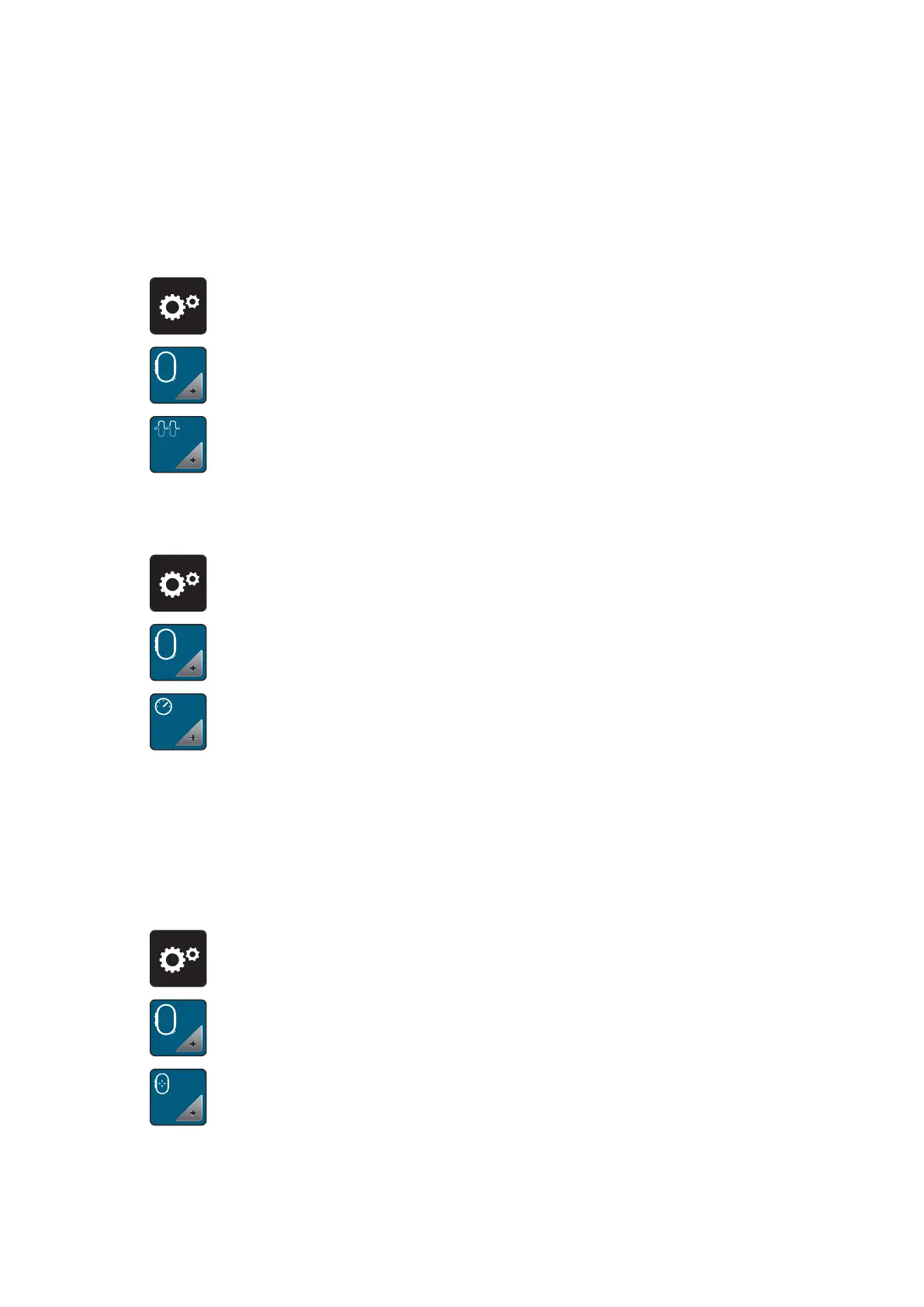
> Touch the icon «Setup Program».
> Touch the icon «Embroidery settings».
> Touch the icon «Alter the upper thread tension».
> Move the slide using the touchscreen pen/finger or touch the icons «+» or «-» to alter the upper thread
tension.
Adjusting the maximum embroidering speed
By using this function, the maximum speed can be reduced.
> Touch the icon «Setup Program».
> Touch the icon «Embroidery settings».
> Touch the icon «Alter the maximum speed».
> Move the slide using the touchscreen pen/finger or touch the icons «+» or «-» to alter the maximum
speed.
Calibrating the embroidery hoop
The calibration of the embroidery hoop is the coordination of the needle to the center of the embroidery
hoop.
Prerequisite:
• The embroidery module is connected and the embroidery hoop with the appropriate embroidery
template is attached.
> Touch the icon «Setup Program».
> Touch the icon «Embroidery settings».
> Touch the icon «Calibrate the embroidery hoop».
– The machine recognizes the size of the attached embroidery hoop automatically and moves to the
center of the hoop.



 To Next Page