Setup Program
44
2019-02 EN 5020070.00A.04
3.3 Monitoring functions
Activating the upper thread indicator
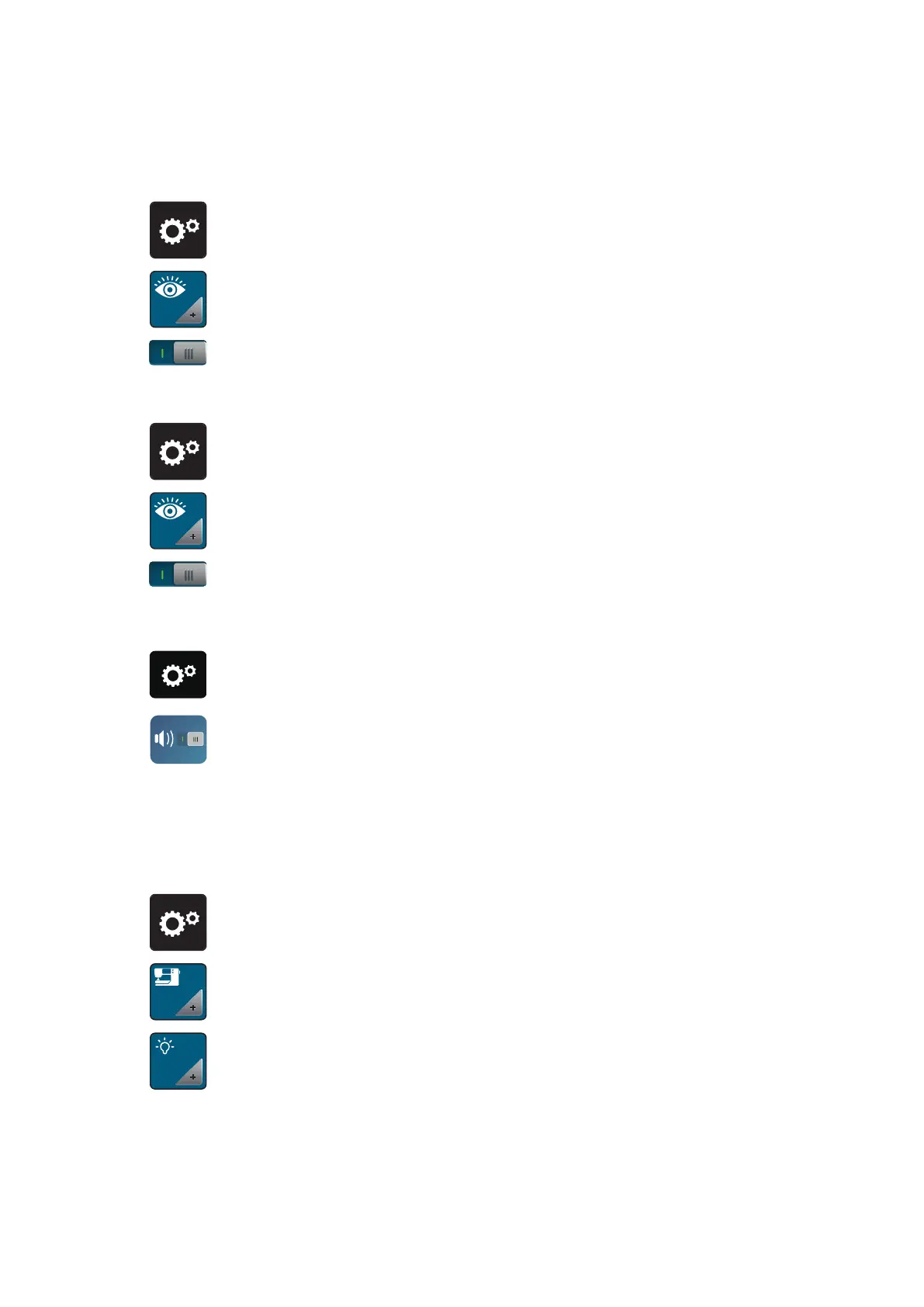
> Touch the icon «Setup Program».
> Touch the icon «Monitoring settings».
> Touch the switch in the upper portion of the display to deactivate the upper thread indicator.
> Touch the switch again to activate the upper thread indicator.
Activating the bobbin thread indicator
> Touch the icon «Setup Program».
> Touch the icon «Monitoring settings».
> Touch the switch in the lower section of the display to deactivate the bobbin thread indicator.
> Touch the switch again to activate the bobbin thread indicator.
3.4 Sound on/off
> Touch the icon «Setup Program».
> Touch the icon «Sound on/off» to deactivate any audio signals in general.
> Touch the icon «Sound on/off» again to deactivate any audio signals in general.
3.5 Machine settings
Adjusting the brightness of the display
The brightness of the display can be adjusted corresponding to the personal preferences.
> Touch the icon «Setup Program».
> Touch the icon «Machine settings».
> Touch the icon «Adjust the brightness».
> Move the slide in the upper portion of the display using the touchscreen pen/finger or touch the icons
«+» or «-» to alter the brightness of the display.



 To Next Page