Setup Program
42
2019-02 EN 5020070.00A.04
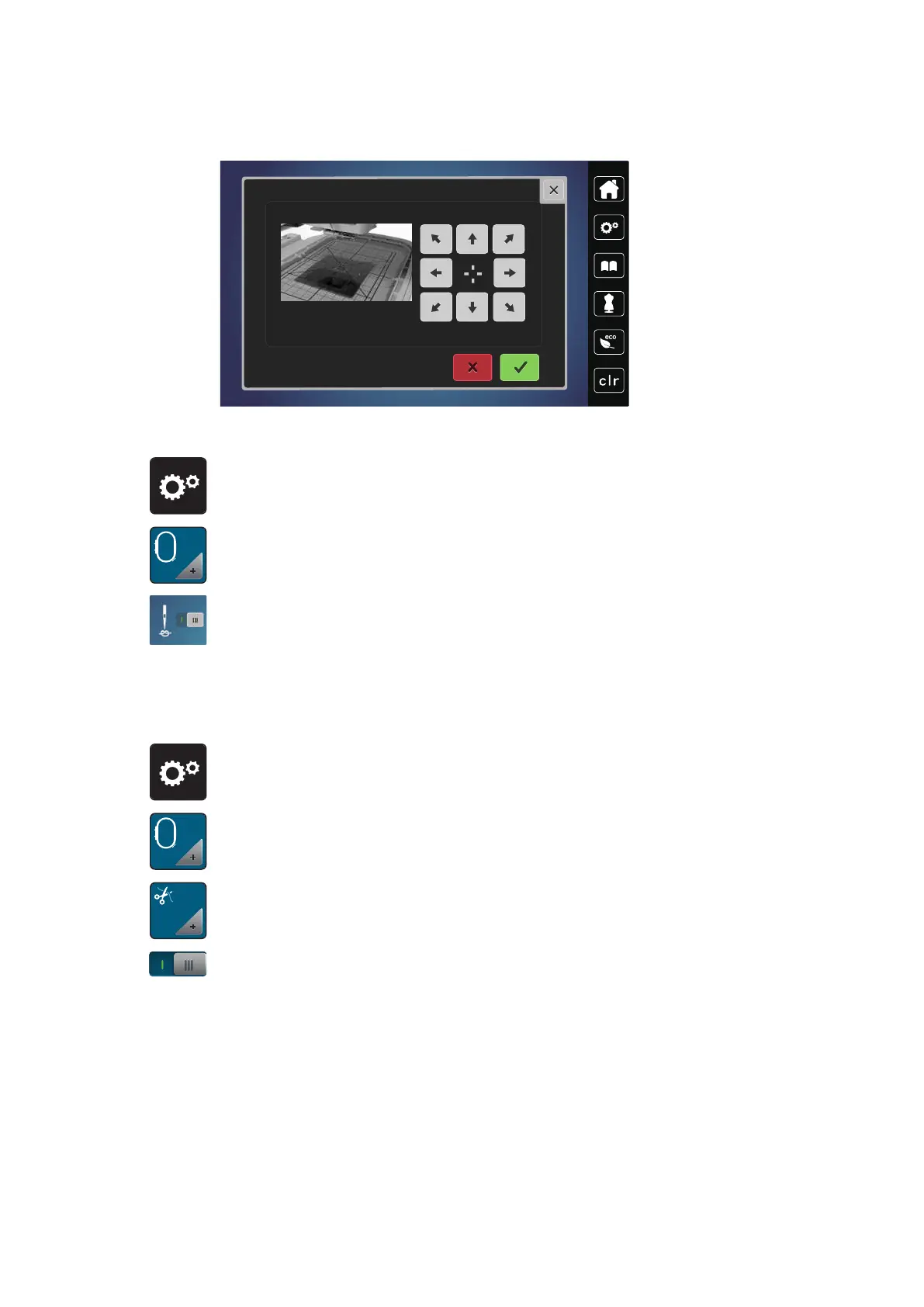
> Center the needle via the arrow icons on the display and confirm.
Deactivating securing stitches
> «»Touch the icon «Setup Program».
> Touch the icon «Embroidery settings».
> Touch the icon «Securing stitches on/off».
> Touch the switch in the lower left corner of the display to deactivate the securing stitches.
– No securing stitches will be sewn and the bobbin thread needs to be brought up manually and held
when embroidering is started.
> Touch the switch again to activate the securing stitches.
Adjusting the thread cut
> Touch the icon «Setup Program».
> Touch the icon «Embroidery settings».
> Touch the icon «Thread cut settings».
> To deactivate the automatic thread cut before changing a thread, press the switch in the upper section of
the display (1).
> To activate the automatic thread cut before changing a thread, press the switch in the upper section of
the display (1) again.
> Touch the switch in the lower section of the display (2) to deactivate the automatic thread cut after
starting embroidering.
– The machine won't stop for a manual thread cut.
> To activate the manual thread cut after embroidering, press the switch in the lower section of the display
(2).
– The machine will stop after about 7 stitches.



 To Next Page