Setup Program
43
2019-02 EN 5020070.00A.04
> Cut the remaining thread with scissors.
Adjusting the height of the embroidery presser foot
> Touch the icon «Setup Program».
> Touch the icon «Embroidery settings».
> Touch the icon «Adjust the height of the embroidery presser foot».
> Turn the «Upper Multifunction knob» or the «Lower Multifunction knob» or touch the icons «-» or «+»
to adjust the distance between the stitch plate and the presser foot.
3.2 Selecting personal settings
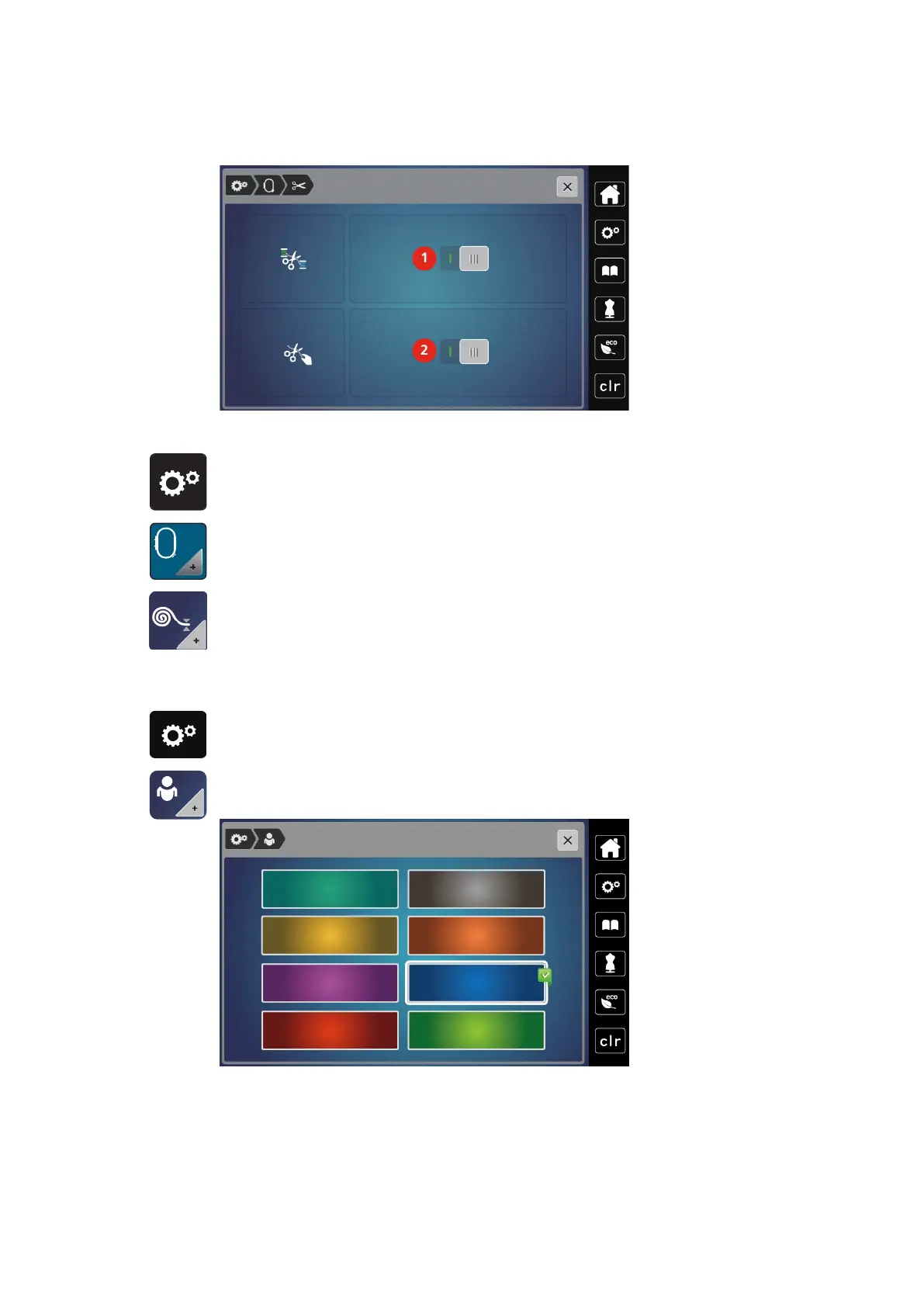
> Touch the icon «Setup Program».
> Touch the icon «Personal settings».
> Select the desired display color.



 To Next Page