My bernette
10
2020-02 EN 5020077.20A.04
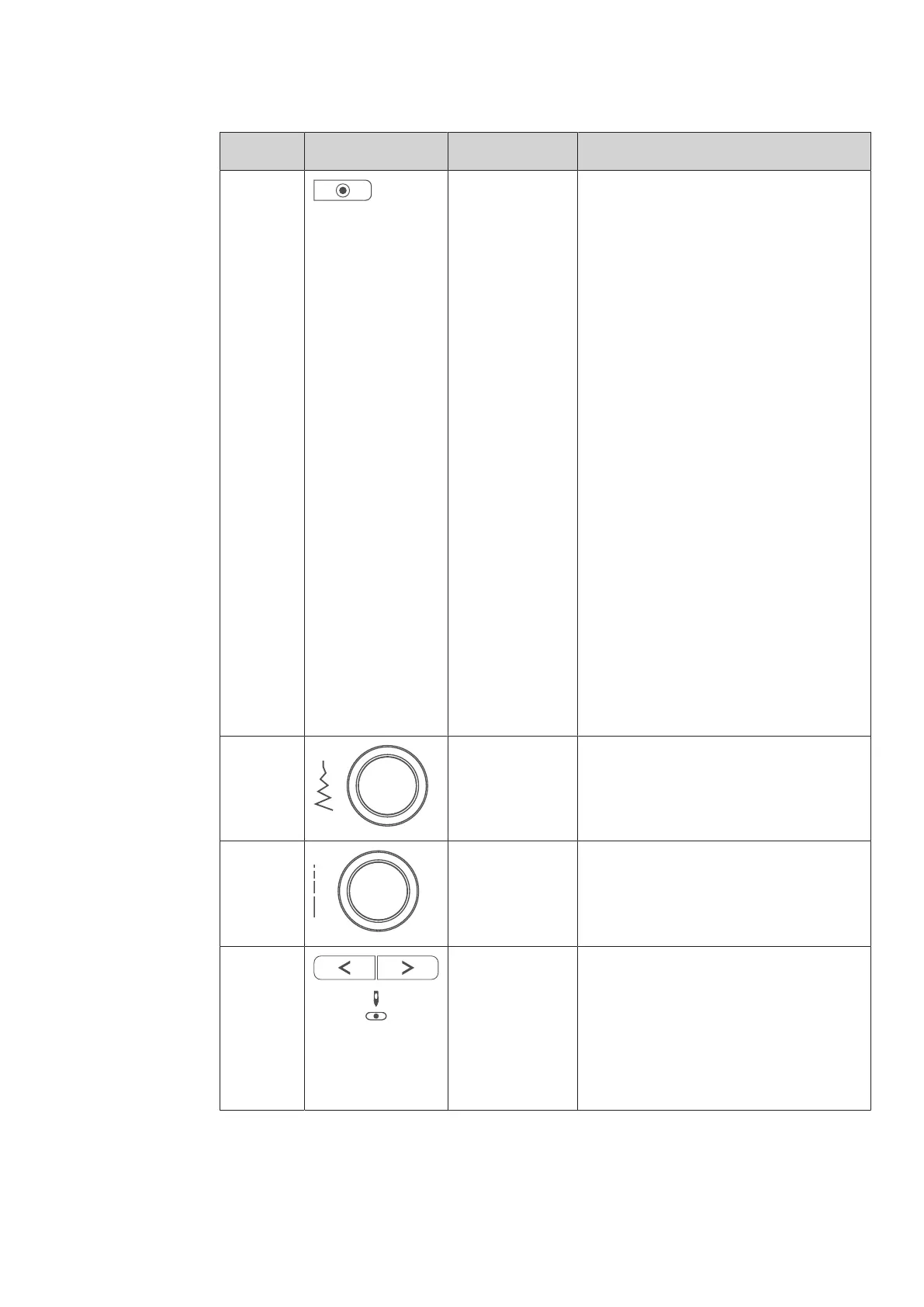
Number Buttons Name Purpose
6 Securing The function «Securing at sewing start» is
activated in the Setup by default and can be
deactivated by pressing the button
«
Securing».
When the function «Securing at sewing
start»
is not activated in the Setup, it can be
programmed by pressing the button
«
Securing».
A securing icon which appears on the display
during sewing indicates that the function is
activated.
The number of securing stitches can be
programmed in the Setup-Program.
> To sew the securing stitches first, press
the button «
Securing» before you start
sewing.
> To sew the securing stitches at the
pattern end, press the button «
Securing»
while sewing.
> To sew securing stitches within a stitch
pattern combination, press the button
«
Securing».
– The selected pattern of the
combination is secured according to
the setting.
7 Upper
Multifunctional
knob
Settings can be changed with the «Upper
Multifunctional knob»
and the Lower
Multifunctional knob.
8 Lower
Multifunctional
knob
Settings can be changed with the «Lower
Multifunctional knob»
and the Lower
Multifunctional knob.
9 Needle left/right There is a total of 15 needle positions. The
needle position is indicated by the needle
position number in the display.
> Press the «Needle left» button to move
the needle to the left.
> Press the «Needle right» button to move
the needle to the right.



 To Next Page