My bernette Embroidery
19
2022-08 EN 5020070.40A.04
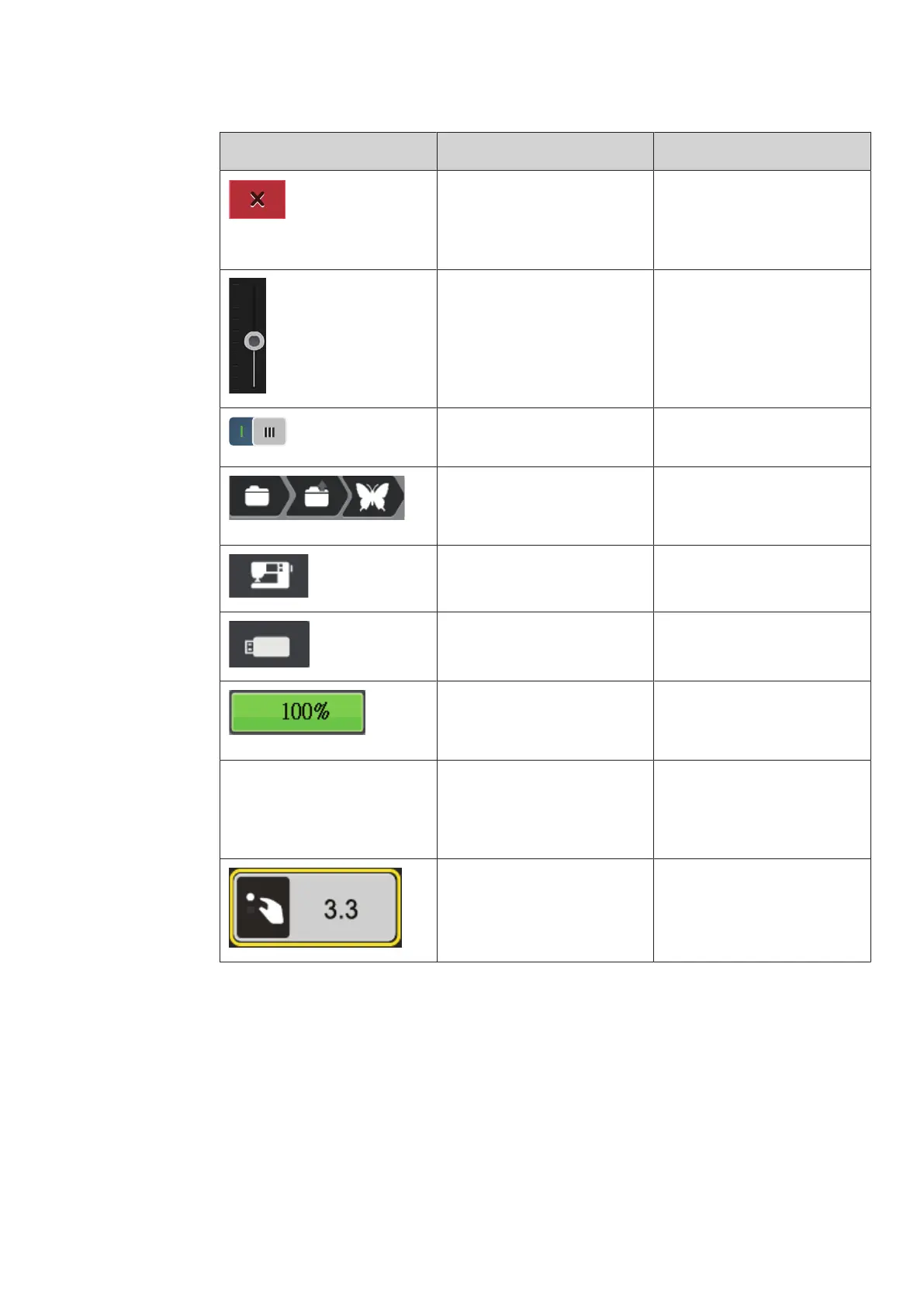
Illustration Name Purpose
Cancel The process is canceled. The
display is closed and the
previously made adjustments are
not saved.
Slide By moving the slide the setting
values are changed.
Switch Activates or deactivates
functions.
Process Navigation With the process navigation, you
can return from any display to
the previous the display.
Machine To load or save motifs on the
machine.
USB Stick To load or save embroidery
designs on the USB stick.
USB Storage Space The percentage of used USB
storage (%) will be displayed in
the green bar icon.
Swipe Function By swiping the display using the
touchscreen pen or the finger
upwards or downwards, further
functions can be displayed.
Yellow-framed Icon Tap the yellow-framed icon to
reset the changes to the default
setting.



 To Next Page