Creative embroidering
62
2022-08 EN 5020070.40A.04
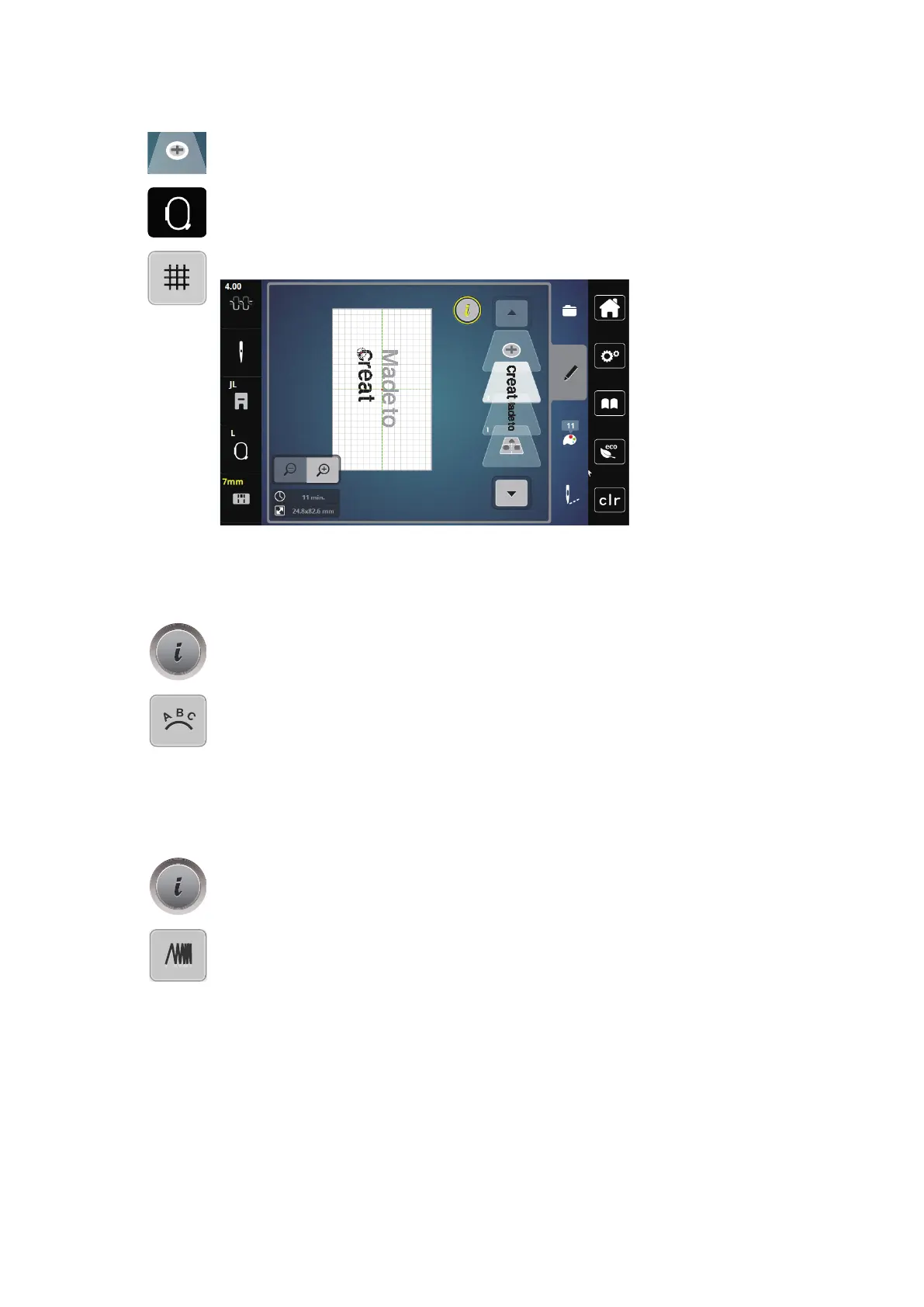
> Tap «Adding an Embroidery Design».
> Enter and also rotate the text «create».
> Tap «Hoop Indicator/Select Hoop».
> To position the text lines more precisely, tap «Grid On/Off».
Bending the Text
Texts can be arranged and designed arc-shaped. This function is only applicable to alphabets.
> Select an alphabet embroidery design.
> Tap «i-Dialog».
> Tap «WordArt».
> To change the distance between the characters in increments of one millimeter, turn the «Upper Multi-
function Knob» or tap «Plus»/«Minus».
> Turn the «Lower Multi-function Knob» to the left or right to curve the writing upward or downward, or
tap «Plus»/«Minus».
Altering the Stitch Density
> Select the embroidery design. This function is only applicable to alphabets.
> Select an alphabet embroidery design.
> Tap «i-Dialog».
> Tap «Alter Stitch Type/Stitch Density».
> To set the desired stitch density, tap the «Percent» field.



 To Next Page