Setup Program
48
2022-08 EN 5020070.40A.04
3.3 Monitoring Functions
Activating the Upper Thread Indicator
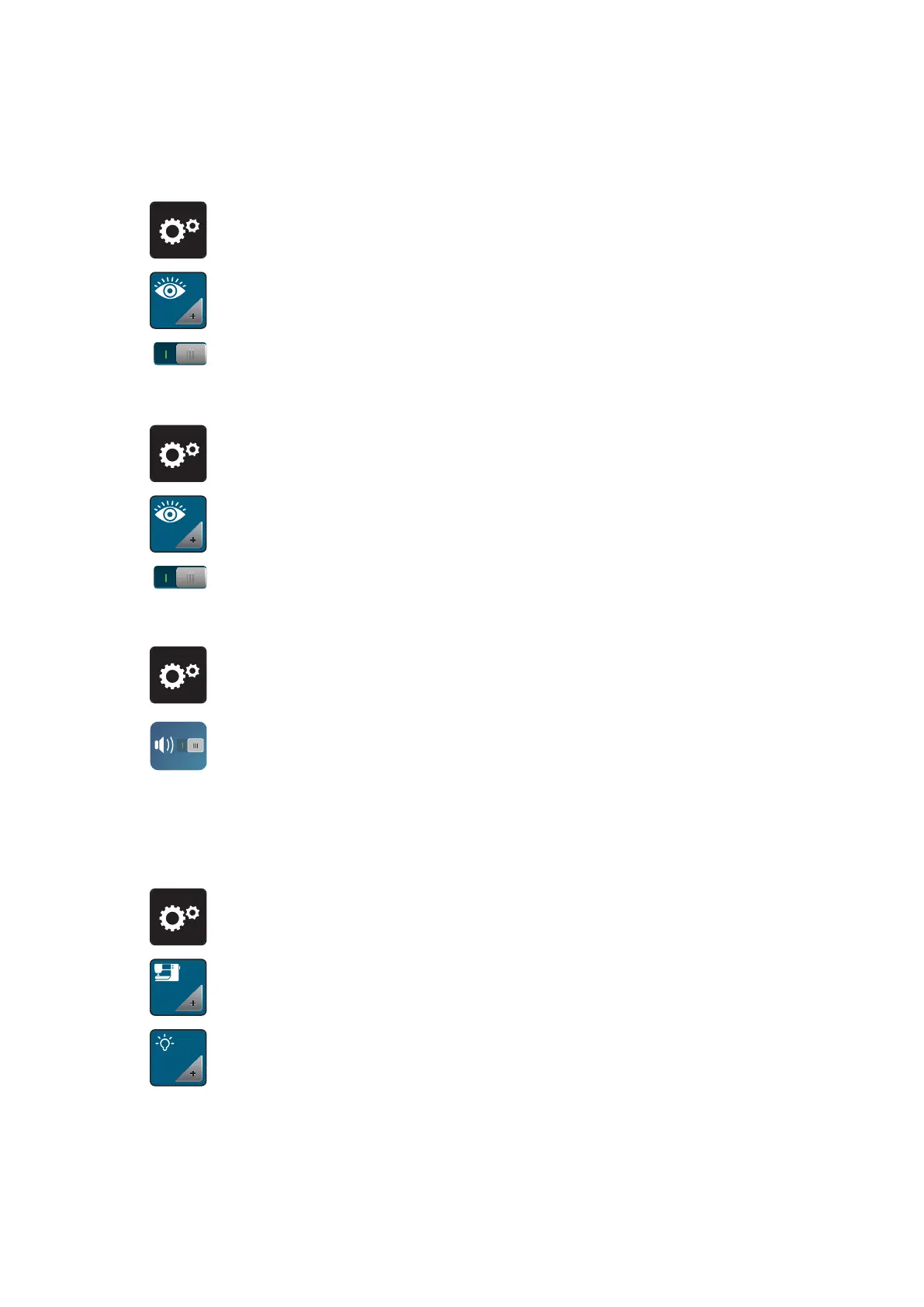
> Tap «Setup Program».
> Tap «Monitoring Functions».
> Tap the switch in the upper section of the display to deactivate the upper thread indicator.
> Tap the switch again to activate the upper thread indicator.
Activating the Bobbin Thread Indicator
> Tap «Setup Program».
> Tap «Monitoring Functions».
> Tap the switch in the lower section of the display to deactivate the bobbin thread indicator.
> Tap the switch again to activate the bobbin thread indicator.
3.4 Sound On/Off
> Tap «Setup Program».
> To switch off all sounds, tap «Switching Sounds On/Off».
> To switch on all sounds, tap «Switching Sounds On/Off» again.
3.5 Machine Settings
Adjusting the Brightness of the Display
The brightness of the display can be set to meet your individual needs.
> Tap «Setup Program».
> Tap «Machine Settings».
> Tap «Display Settings».
> Adjust the brightness of the display in the upper section of the screen.



 To Next Page